Save it from wherever you found it.
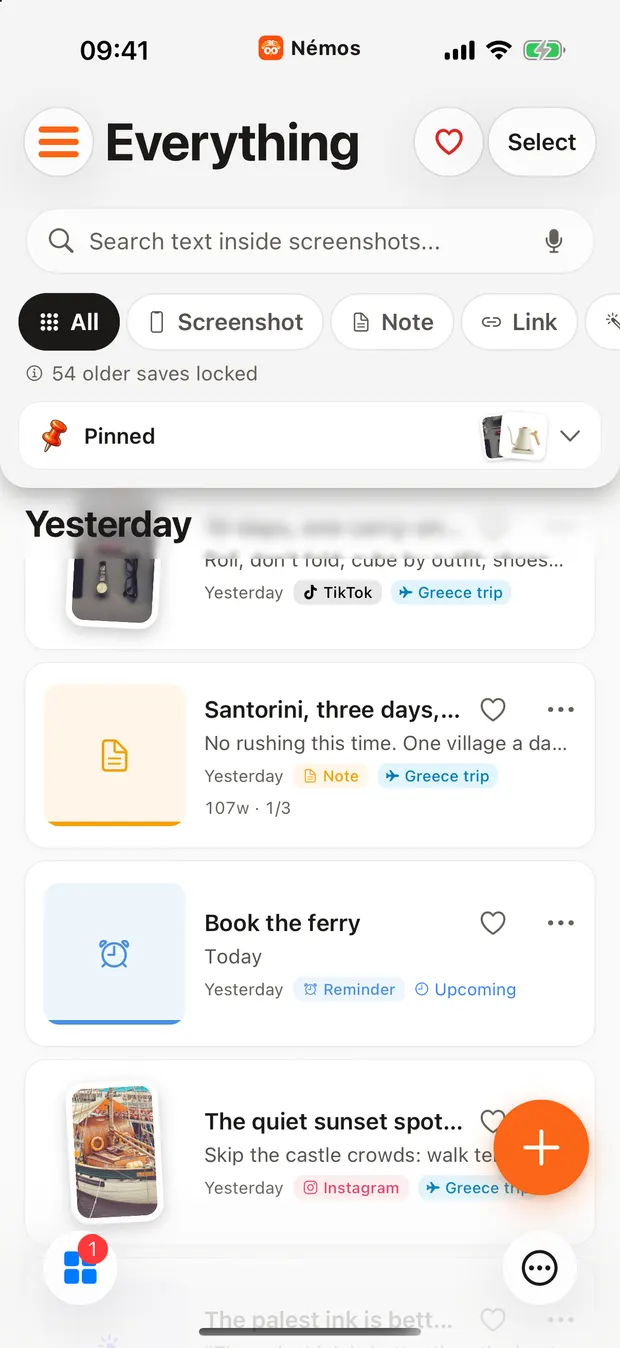
Share to Nemos from Safari, Instagram, TikTok, Messages, Mail or anything with a share sheet. It takes two taps, and you never have to choose a folder.

How it works
Two taps
Tap Share in any app and choose Nemos. Add a note or pick a folder if you want to, or just save.
A real preview
Links arrive with a picture and a title, so your library looks like what you saved and not a list of addresses.
On your computer too
The browser extension for Chrome, Firefox and Safari saves links and articles to the same library.
People use it for
- A Reel you want to try later
- An article for the train
- A recipe from a friend's message
Good to know
Nemos saves the link and its preview, not a copy of the video. If a creator deletes a post, write down what you need in a note.