Karpathy's LLM Wiki, Explained: What It Is and How to Feed One From Your iPhone
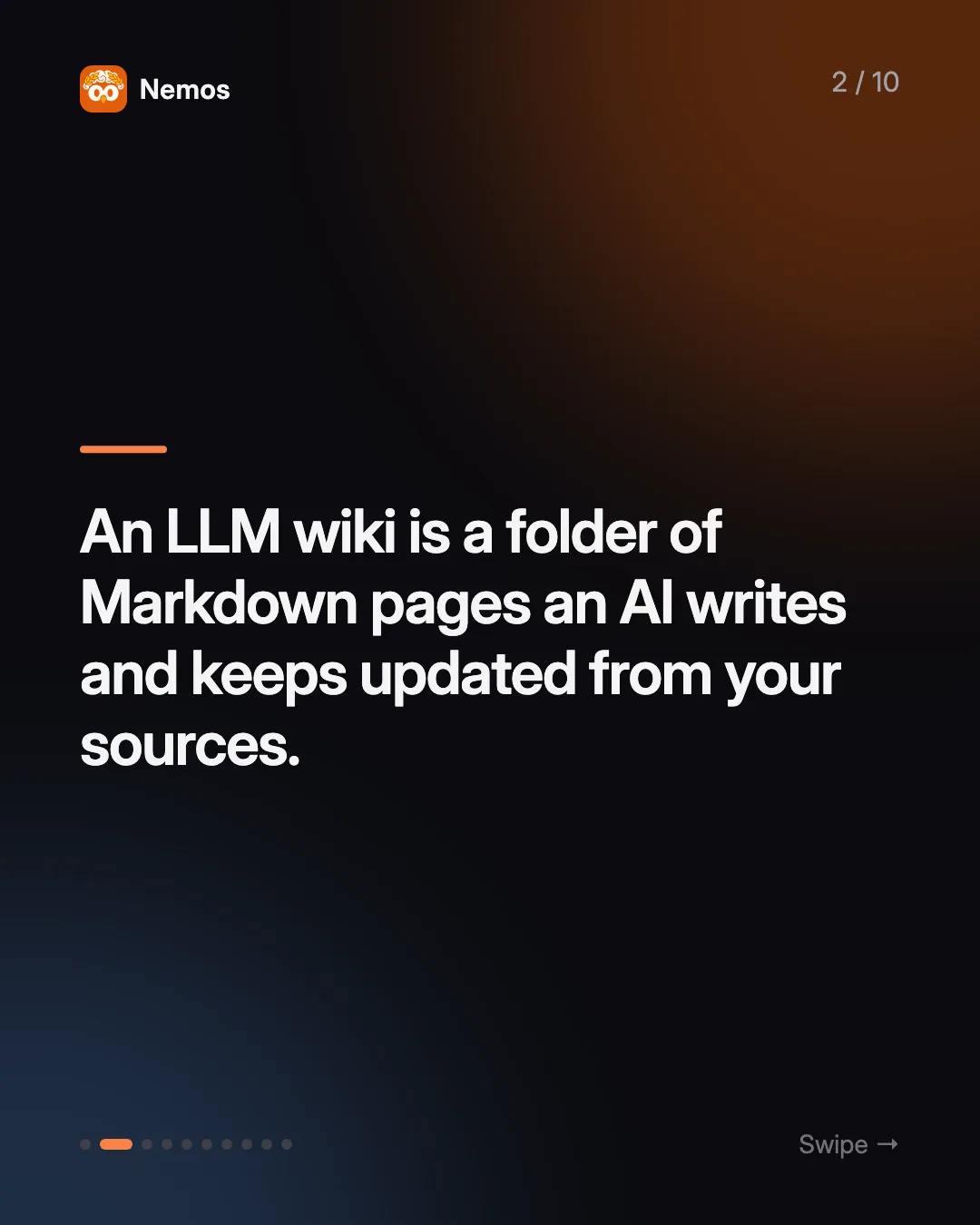
An LLM wiki is a Markdown knowledge base an AI writes and maintains from your raw sources. Here's how Karpathy's pattern works and how to feed it.
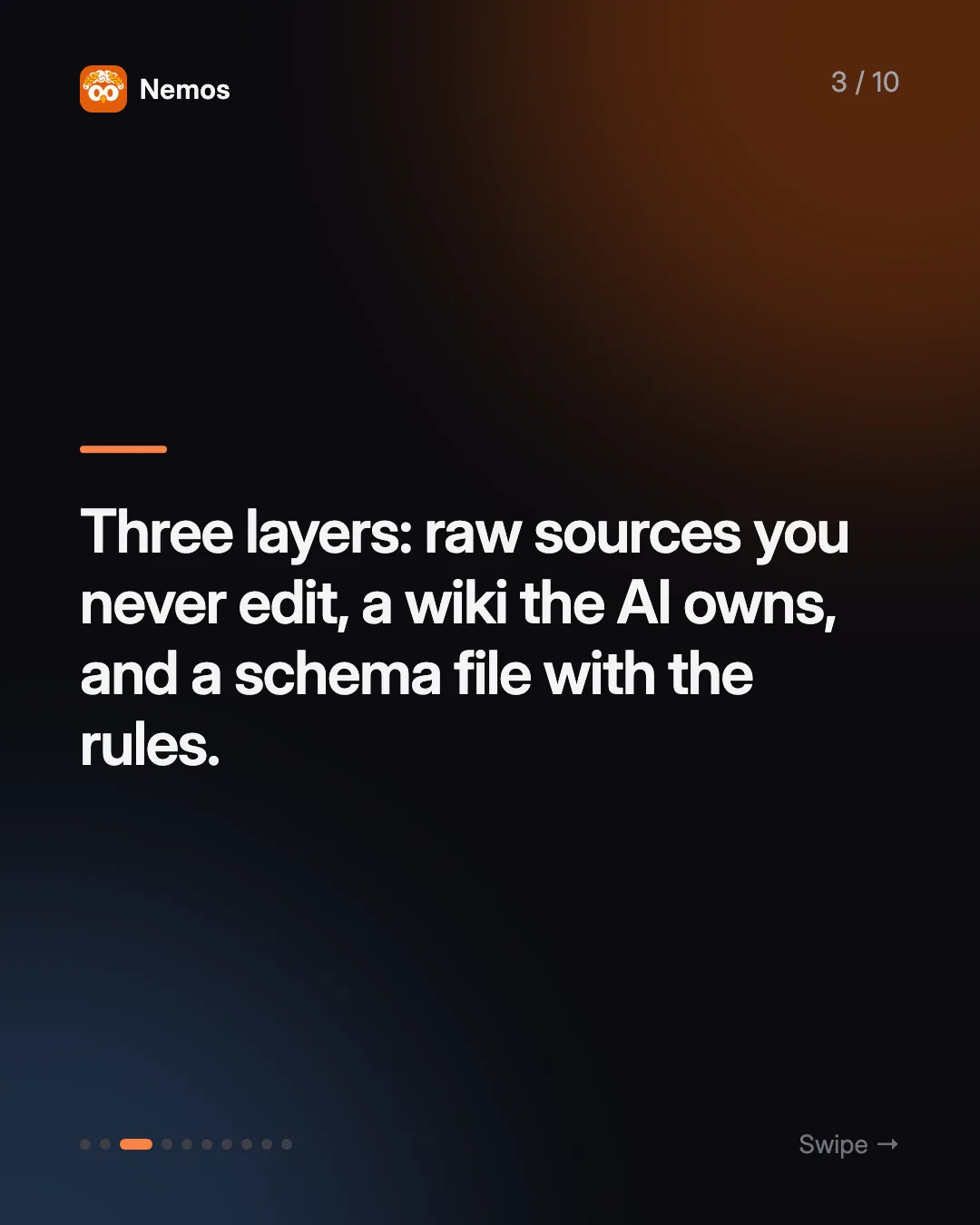
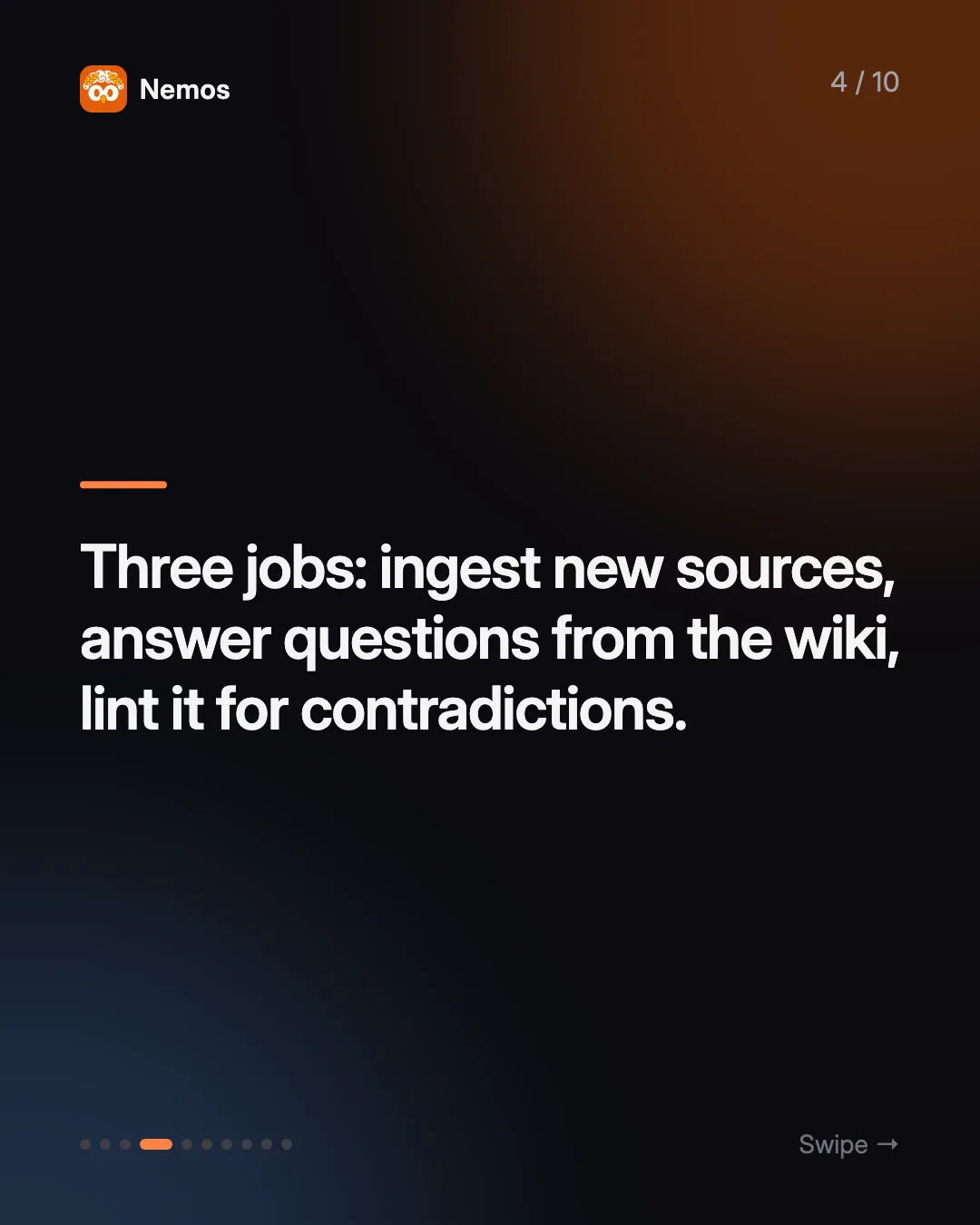
Quick answer: Karpathy's LLM wiki has three layers: raw sources you collect and never edit, a wiki of interlinked Markdown pages the LLM owns, and a schema file (such as CLAUDE.md) that tells the LLM how to run the wiki. The LLM performs three jobs: ingest new sources, answer questions from the wiki, and lint the wiki for contradictions and gaps. You can run it with Claude Code and Obsidian on a laptop, and feed it screenshots, voice notes, and links captured on iPhone.
Key takeaways: - An LLM wiki compiles knowledge once, when a source is added, instead of re-reading raw documents every time you ask a question. - The pattern is a text file of instructions, not a product. You build it with tools you may already have. - The wiki is only as good as its raw sources. Capture is the bottleneck, and capture happens on your phone. - A capture app that already extracts text (OCR, transcripts, article text) hands the LLM material it can read immediately.
What is Karpathy's LLM wiki?
On April 4, 2026, Andrej Karpathy published a short document on GitHub titled LLM Wiki. It describes a way of working where an LLM agent builds and maintains a personal wiki for you. You drop in source material. The agent reads it, writes summary pages, creates pages for the people and concepts that come up, and adds links between related pages. When you ask a question later, the agent reads the wiki it has been building rather than starting from scratch.
Karpathy calls the result "a persistent, compounding artifact." Each new source makes the whole wiki a little richer, because the agent updates existing pages instead of only adding new ones.
It is worth being clear about what it is not. There is no app to download and no service to sign up for. The gist is an idea file: a description of folders, files, and habits that you hand to an agent such as Claude Code, which then follows it. The agent does the writing; you supply the material. If most of your material starts on your phone, Nemos on the App Store is one way to collect it, which we cover below.
How is an LLM wiki different from RAG?
Retrieval-augmented generation (RAG) is the usual way to point an AI at your documents. You index a pile of files, and every time you ask a question the system pulls the most relevant chunks and hands them to the model. Nothing is remembered between questions. The model re-derives its understanding every time.
The LLM wiki moves that work earlier. According to Karpathy's gist, the synthesis happens at ingest time: the agent reads a new source once, decides what it means, and writes that understanding into pages with explicit cross-references. By the time you ask a question, the connections already exist in plain text you can open and read yourself.
| Classic RAG | LLM wiki | |
|---|---|---|
| When synthesis happens | Every query | Once, when a source is added |
| What you can inspect | Retrieved chunks | Readable Markdown pages |
| Does it improve over time? | Not by itself | Yes, pages are revised as sources arrive |
| Who maintains structure | The index | The LLM, following your schema |
What are the three layers of an LLM wiki?
Karpathy's gist describes three layers:
- Raw sources. Articles, papers, images, PDFs, transcripts, data files. These are the source of truth. The LLM reads them and never changes them.
- The wiki. Markdown pages the LLM writes and owns: summaries, entity pages, concept pages, and the links between them.
- The schema. A document such as CLAUDE.md or AGENTS.md that spells out how the wiki is structured, how pages are named, and what the agent should do on each operation.
Two files keep the wiki navigable. An `index.md` works as a catalog, with a one-line summary of each page by category. A `log.md` is an append-only diary of what was ingested and when, so both you and the agent can see how the wiki grew.
What does the LLM actually do?
The gist names three operations:
- Ingest. Read a new source, pull out what matters, update every page it touches, and add an entry to the log.
- Query. Answer a question by searching the wiki, citing the pages used, and optionally filing a useful answer back in as a new page.
- Lint. Run a health check for contradictions, stale claims, orphan pages with no links, and missing cross-references.
How do you build an LLM wiki?
The most common setup pairs Obsidian with Claude Code. Obsidian stores notes as Markdown files in a folder on your computer, so an agent can read and write them directly, and Obsidian gives you a graph view and backlinks for browsing what the agent produced. Claude Code runs in your terminal and loads a CLAUDE.md file at the start of every session, which makes that file a natural home for the schema.
A minimal build looks like this:
- Create a vault folder with two subfolders: `raw/` for sources and `wiki/` for the LLM's pages.
- Write a CLAUDE.md in the vault root that describes the layers, page types, naming rules, and the ingest, query, and lint steps. You can start from Karpathy's gist and edit it.
- Add `wiki/index.md` and `wiki/log.md` as empty files.
- Open a terminal in the vault and start Claude Code. Ask it to ingest everything in `raw/`.
- Keep adding sources. Ask questions. Run a lint pass every week or so.
If you want a deeper walkthrough of the Claude Code side, see our guide to using Claude Code as a second brain.
Where do the raw sources come from?
This is where most LLM wikis stall. The setup takes an afternoon. Keeping `raw/` full takes discipline, because the things worth saving tend to show up when you are away from your desk.
Think about what you save in a normal week:
- A screenshot of a chart from a newsletter
- A voice memo you recorded walking back from a meeting
- A link someone sent you on a messaging app
- A PDF from a conference talk
- A photo of a whiteboard
Almost all of it happens on a phone. And almost none of it is in a form an LLM can use directly. A screenshot is pixels. A voice memo is audio. A link is a pointer to a page that may change or vanish.
An LLM wiki needs text. So the real job of the capture layer is to turn phone captures into readable text with enough context (date, source, folder) that the agent can file them properly. That is the same job a second brain does, which is why the two ideas fit together so well.
How do phone captures become LLM wiki sources?
Nemos is an iPhone, iPad, and Mac app built to handle that capture step. You save screenshots, links, notes, voice recordings, and PDFs from the Share Sheet or the app. Nemos runs OCR on screenshots and transcribes voice recordings, so every saved item carries extracted text, and your library syncs through iCloud across your devices. Download Nemos on the App Store.
The bridge to your wiki is the Nemos MCP server. MCP (Model Context Protocol) is an open standard that lets AI tools call outside tools; if you are new to it, start with what an MCP server is. Once the Nemos server is added to Claude Code (`claude mcp add nemos -- npx -y nemos-mcp`, then a one-time Apple sign-in), the agent can call tools such as:
- `search_nemos` and `get_recent_items` to find what you captured this week
- `extract_ocr_from_image` and `extract_pdf_text` to pull text from screenshots and PDFs
- `extract_article_text` to get clean text from a saved link
- `export_all` to bulk-export every synced item's files plus a manifest
- `export_to_obsidian` to write a context-pack note into an Obsidian vault
So an ingest instruction in your CLAUDE.md can read: "Each Sunday, call `get_recent_items`, pull the text for anything new, save it to `raw/` with its date and source, then run the normal ingest." The phone does the capturing, Nemos does the text extraction, and the agent does the wiki work.
The MCP server connects to your own private CloudKit database. When you run it locally, it runs on your machine, and it does not route your library through Nemos servers.
Is an LLM wiki worth the effort?
If you save a few links a month, a search box is enough. If you research a topic over months, a wiki that rewrites itself as you learn saves you from re-reading the same sources.
Two honest limits. First, the agent can be wrong, and a wrong summary written into a page will be repeated in later answers until something catches it. Lint passes and keeping raw sources untouched are the guard against that. Second, running an agent over a large vault costs model usage, so keep the schema tight and the index current.
FAQ
Who created the LLM wiki idea? Andrej Karpathy described it in a GitHub gist titled "LLM Wiki," published April 4, 2026. Many people have since built their own versions from that document.
Do I need Obsidian to build an LLM wiki? No. The wiki is plain Markdown in a folder, so any editor works. Obsidian is popular because it shows links and a graph view of the pages the agent writes.
Do I need Claude Code? You need an agent that can read and write files and follow an instruction file. Claude Code is a common choice because it loads CLAUDE.md automatically each session. Karpathy's gist also mentions AGENTS.md for other agents.
Can screenshots be raw sources? Yes, if their text is extracted first. Nemos runs OCR on screenshots, and the MCP server exposes that text to your agent, so a screenshot becomes a readable source.
Does the LLM ever edit my raw sources? In Karpathy's pattern, no. Raw sources are treated as immutable. The agent only writes to the wiki layer.
How do I get my iPhone captures into the wiki? Save them in Nemos, add the Nemos MCP server to Claude Code, and tell your schema to pull recent items into `raw/` before each ingest. Get Nemos on the App Store to start capturing.
Taha built Nemos after years of losing screenshots and voice memos across a dozen apps. He writes about on-device AI, personal knowledge management, and building privacy-first tools for iPhone.
@nemosapp
Stop losing things you save.
Nemos remembers every screenshot, voice memo, link, and note — and surfaces them when you need them. Free, private, on-device AI.

Free to download · No credit card · Sign in with Apple