Plaud Alternative for iPhone: Do You Need an AI Recorder, or Is Your Phone Enough?
Plaud Note Pro and Pocket record and summarize conversations. Here is when the hardware earns its price, and when iPhone and Apple Watch do the job.
Disclosure: Nemos is our product. We've aimed to compare fairly. We encourage you to try alternatives before deciding.
Quick answer: Buy a Plaud or Pocket if you need hands-off recording of in-person meetings and phone calls for hours at a time, with battery that does not drain your phone. Skip the hardware if your recordings are short, spread through the day, and mixed with other captures like screenshots and links. In that case, iPhone Voice Memos, Apple's built-in call recording, and a capture app give you most of the value for no extra device.
Key takeaways: - At time of writing (September 2026), Plaud Note Pro lists at $189 and Pocket at $99 on a launch offer against a $199 list price. Both have paid tiers on top. - The hardware's real advantages are battery, microphones, and a physical button you never have to unlock your phone for. - iPhone already records and transcribes calls (iOS 18.1 and later, in supported regions) and transcribes Voice Memos on iPhone 12 or later in supported languages. - A recorder only solves audio. If your notes also live in screenshots, links, and PDFs, you still need somewhere to keep and search them.
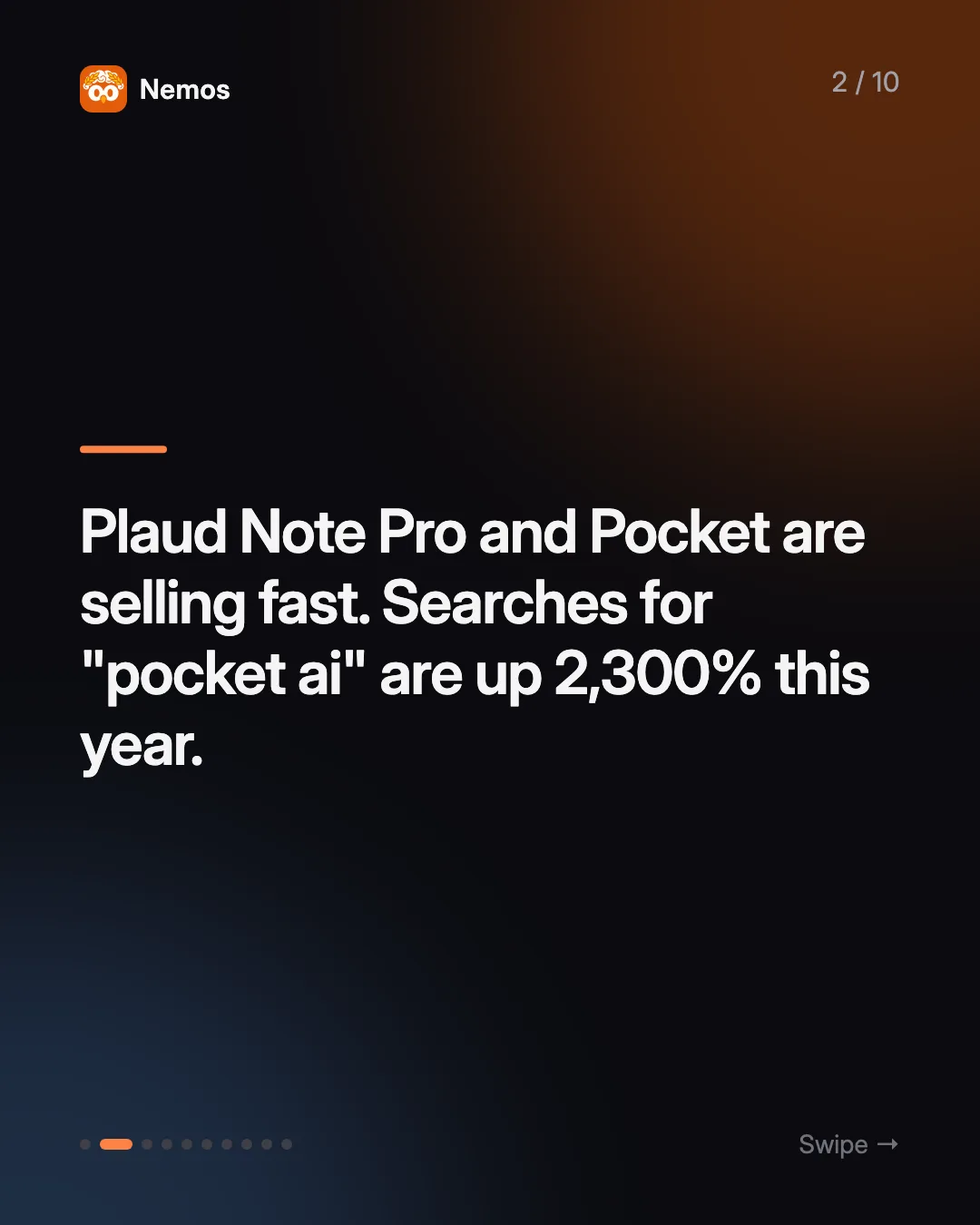
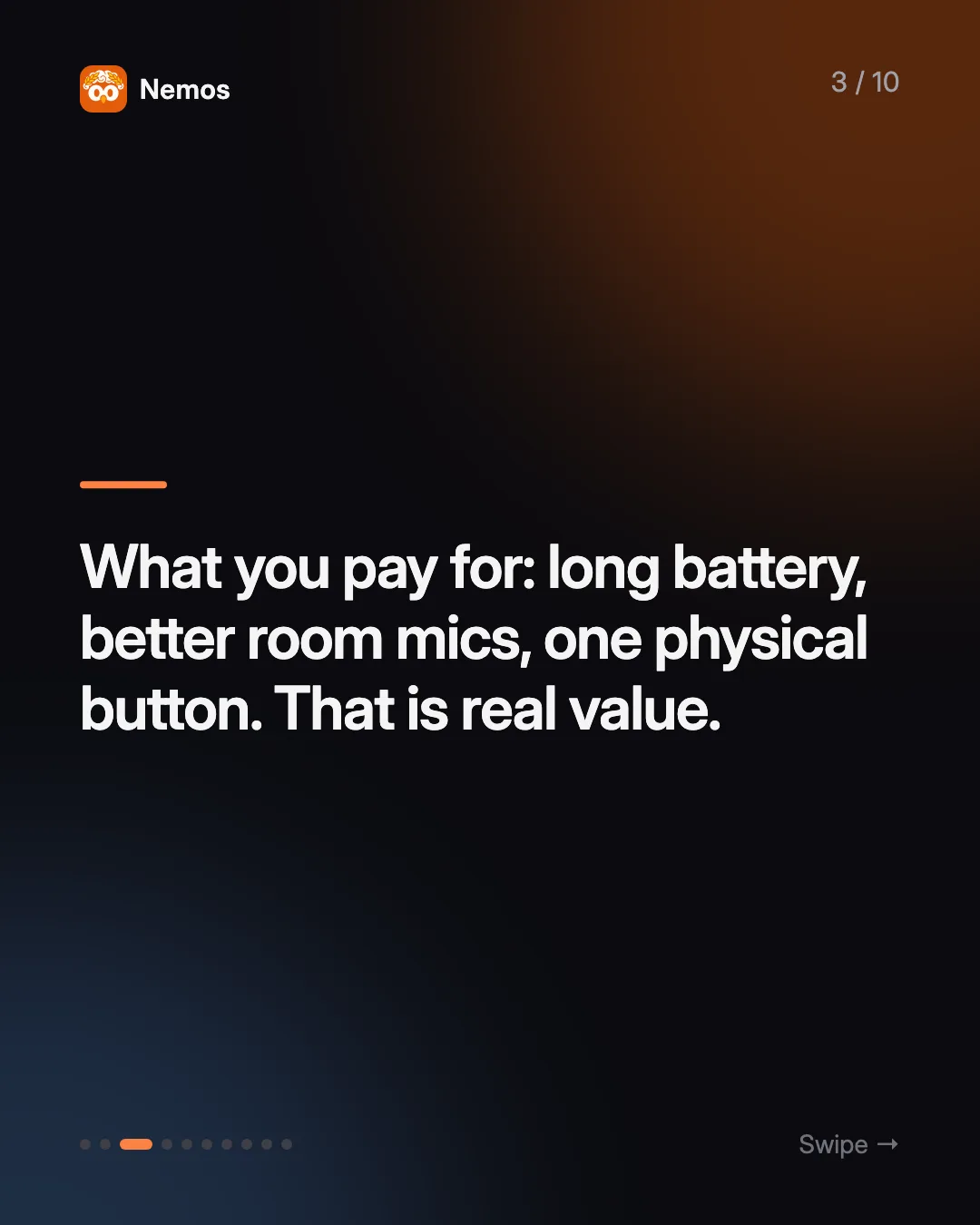
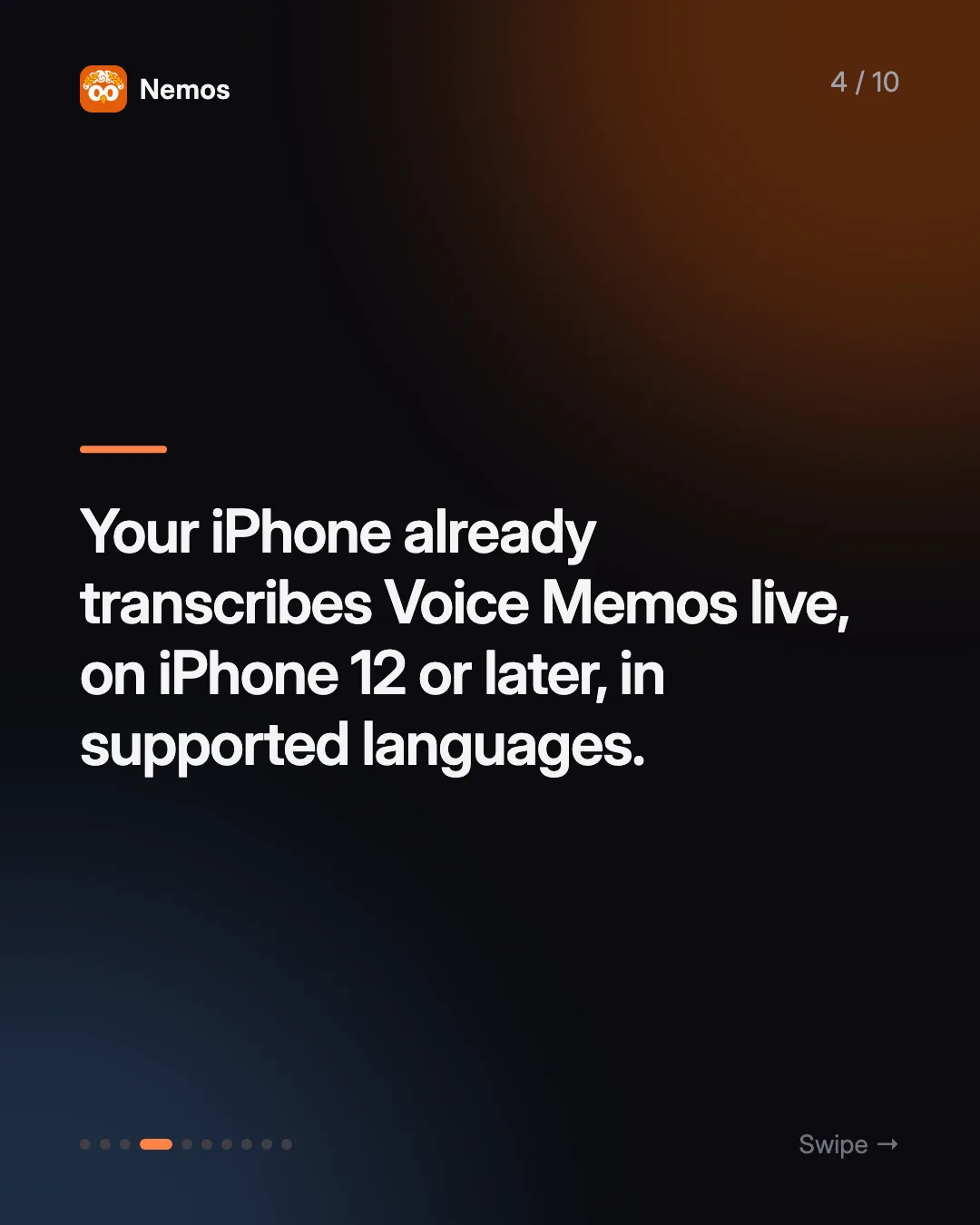
 Apple Intelligence." width="1080" height="1350" loading="lazy" decoding="async" class="w-full h-auto rounded-2xl border border-white/10" />
Why is everyone searching for Plaud and Pocket right now?
AI recorders went from a niche gadget to a mainstream purchase in about a year. Google Trends shows searches for "plaud" up 18% worldwide over the last twelve months, with "plaud note pro" up 1,200% and "pocket ai" up 2,300%. The pitch is easy to understand: clip a thin device to your phone or put it on the table, press one button, and get a transcript, a summary, and action items afterwards.
That pitch is aimed at a real problem. Meetings, client calls, and lectures produce information that nobody writes down in time. The question worth asking before you spend $100 to $200 is whether the problem you have is a *recording* problem or a *keeping and finding* problem. The two need different tools.
What do Plaud Note Pro and Pocket actually do?
Plaud Note Pro is a credit-card-sized recorder. Plaud's product page lists it at $189 at time of writing (September 2026), with four MEMS microphones and a pickup range of up to 16.4 feet, 30 hours of recording in Enhance mode and 50 hours in Endurance mode, and a dual mode that switches between in-person and phone-call recording on its own. Transcription covers 112 languages with speaker labels. The free Starter plan includes 300 transcription minutes a month; Plaud's pricing page lists Pro at $17.99 a month (1,200 minutes) and Unlimited at $29.99 a month, with lower rates if you pay annually.
Pocket snaps onto the back of an iPhone with MagSafe (an adhesive mount covers non-MagSafe phones). Pocket's site lists the device at $99 as a launch special against a regular $199, with four days of active use, 64GB of onboard storage, and a contact microphone that picks up phone calls through the back of the phone. The free tier includes unlimited standard transcription; Pro is $19.99 a month, or $199 a year.
Both are well built for the job they do. PCWorld's review of the Note Pro sums up the trade-off in its headline: a brilliant recorder, but not a cheap one.
What can your iPhone and Apple Watch already do without extra hardware?
- Voice Memos transcribes as you record. On iPhone 12 or later, Voice Memos shows a live transcription in English, Spanish, Portuguese, Italian, French, German, Japanese, Korean, and Chinese, in supported regions. You can copy the whole transcript afterwards.
- Phone calls can be recorded and transcribed. Starting in iOS 18.1, you can record a phone or FaceTime audio call in supported countries, and the recording and transcript land in Notes. With Apple Intelligence on a supported iPhone, Notes also generates a summary. The other person is notified that the call is being recorded.
- Apple Watch records from your wrist. The Voice Memos app on Apple Watch records a note and syncs it to your iPhone, iPad, and Mac through iCloud.
So the hardware is no longer the only way to get a transcript. What it still does better is covered below, and it is a real list.
When is a Plaud or Pocket the better pick?
The hardware is worth it if several of these describe you:
- You record for hours, every day. A sales rep, consultant, or researcher in back-to-back meetings will drain an iPhone recording all day. A device with 30 to 50 hours of recording, or four days of use, does not touch your phone battery.
- You record a lot of phone calls in a region where iPhone call recording is not available. Pocket's contact microphone and Plaud's call mode work regardless of the phone's software feature.
- You need to record without touching your phone. Pressing one physical button is faster and less awkward in a meeting than unlocking a phone, finding an app, and tapping record.
- Room audio matters. Four-microphone arrays with a stated 16-foot range are built for a conference table. A phone lying face-down on a desk is not.
- You want summaries in a fixed meeting format with speaker labels, templates, and action items out of the box.
If that is you, buy the hardware. It is a better tool for that job than an app, and pretending otherwise would waste your money in a different way.
When does the phone you already own do the job?
Most people searching "best AI note taker" are not in meetings eight hours a day. Their recordings look more like this: a two-minute idea on a walk, a lecture twice a week, a voice note after a doctor's appointment, a quick "remember to call the landlord" while driving.
For that pattern, a dedicated recorder adds a device to charge, a second app, and often a second subscription, for audio you could already capture. And audio is only part of what you are trying to remember. The same week usually includes a screenshot of a booking, a link someone sent, and a PDF from work. A recorder has nowhere to put those.
This is the gap Nemos is built for. Nemos is an iPhone, iPad, and Mac app that keeps voice recordings, screenshots, links, notes, and PDFs in one searchable library. Voice recordings are transcribed, screenshot text is read with OCR, and everything syncs across your devices through iCloud. There is an Apple Watch companion, so you can record from your wrist and the recording is transcribed once it reaches your iPhone.
How do I set up an iPhone-only "AI recorder" workflow?
A setup that takes about ten minutes:
- Pick one place for recordings. Either Voice Memos or a capture app, not both. Scattered recordings are how things get lost. If you want transcripts searchable alongside your other captures, record in Nemos.
- Put recording one tap away. Add a Lock Screen widget or assign the Action Button (iPhone 15 Pro and later) so you can start recording without hunting for an app.
- Use the Watch for walking and driving. Wrist recording is the closest thing to a clip-on recorder that you already own.
- Turn on call recording if your region supports it, for the occasional call you need on record. Tell the other person; iPhone will announce it anyway.
- Search, don't file. Once transcripts are text, you find a recording by what was said, not by when you made it. See our guide to voice memo transcription on iPhone for the detail.
For meetings specifically, our write-up on private AI meeting notes on iPhone covers the etiquette and the trade-offs of recording people.
Plaud vs Pocket vs iPhone: how do they compare?
| Plaud Note Pro | iPhone + Apple Watch + capture app | ||
|---|---|---|---|
| Device price (Sept 2026) | $189 | $99 launch offer ($199 list) | No extra device |
| Recording battery | 30–50 hours | 4 days of use | Uses phone/watch battery |
| Phone calls | Built-in call mode | Contact microphone | iOS 18.1+ call recording, supported regions |
| Room microphones | 4 MEMS, up to 16.4 ft | Dual mics + contact mic | Phone or watch microphone |
| Keeps screenshots, links, PDFs | No | No | Yes, in a capture app |
| Paid tier | Pro $17.99/mo, Unlimited $29.99/mo | Pro $19.99/mo | Depends on the app |
Prices from Plaud and Pocket at time of writing (September 2026). Check before buying; launch offers change.
Can I use both?
Yes, and plenty of people should. If you already own a Plaud or Pocket for meetings, the recordings and summaries are still one more silo. Exporting the transcript into the same library as your screenshots and notes means one search finds the client's pricing screenshot and the call where they mentioned it. The recorder handles capture quality; the library handles retrieval.
If you are comparing AI note tools more broadly, our roundup of the best AI note-taking apps in 2026 covers software options, and what a second brain is explains why keeping everything in one place matters more than which recorder you buy.
FAQ
Is Plaud worth it in 2026? It is worth it if you record long meetings or calls most days and want hands-off capture with strong room audio. For occasional recordings and personal notes, iPhone Voice Memos or a capture app on the phone you own covers most needs without a $189 device.
Can iPhone record phone calls without a Plaud? Yes, from iOS 18.1 in supported countries and regions. The recording and transcript are saved in Notes, and the other person is told the call is being recorded. Apple Intelligence can summarize the call on supported iPhones.
Does Apple Watch work as an AI voice recorder? The Watch records voice memos and syncs them to your iPhone. With a companion app like Nemos, the recording is transcribed once it reaches your iPhone and becomes searchable with the rest of your notes.
What is the best Plaud alternative for iPhone? If you do not need dedicated hardware, the best alternative is the iPhone itself plus an app that transcribes and keeps recordings searchable. Nemos does that and also stores screenshots, links, and PDFs in the same library. [Download Nemos on the App Store](https://apps.apple.com/app/id6791134304).
Taha built Nemos after years of losing screenshots and voice memos across a dozen apps. He writes about on-device AI, personal knowledge management, and building privacy-first tools for iPhone.
@nemosapp
Stop losing things you save.
Nemos remembers every screenshot, voice memo, link, and note — and surfaces them when you need them. Free, private, on-device AI.

Free to download · No credit card · Sign in with Apple
Pricing was last checked in August 2026 and is quoted per the vendor's own published rates at that time. Prices, tiers and free-tier limits change often — check the vendor's pricing page before deciding.