Best Routine App for iPhone in 2026: Structured, Routinery, Tiimo, Streaks and Nemos
Structured, Routinery, Tiimo, Streaks or Nemos? How the best daily routine apps for iPhone differ in 2026, and which kind of routine each one suits.
Disclosure: Nemos is our product. We've aimed to compare fairly. We encourage you to try alternatives before deciding.
Quick answer: For a visual day plan, choose Structured. For ADHD-friendly visual planning, Tiimo. For a guided, timed morning or evening routine, Routinery. For simple daily habit streaks, Streaks. For routines built around things you've saved, Nemos. Decide first whether you want to plan your day, run a sequence, or track habits.
Key takeaways: - Searches for "structured" rose about 150% over the last year, which says a lot of people want a visual day planner, not a checklist. - Timeline planners (Structured, Tiimo) and routine runners (Routinery, Nemos) solve different problems. Many people need one of each or neither. - Streak tools motivate, but a single missed day can wipe out a long streak. Look for forgiveness mechanics. - A routine step is only useful if you know how to do it. Attaching the reference to the step removes a lookup.
What kind of routine app do you actually need?
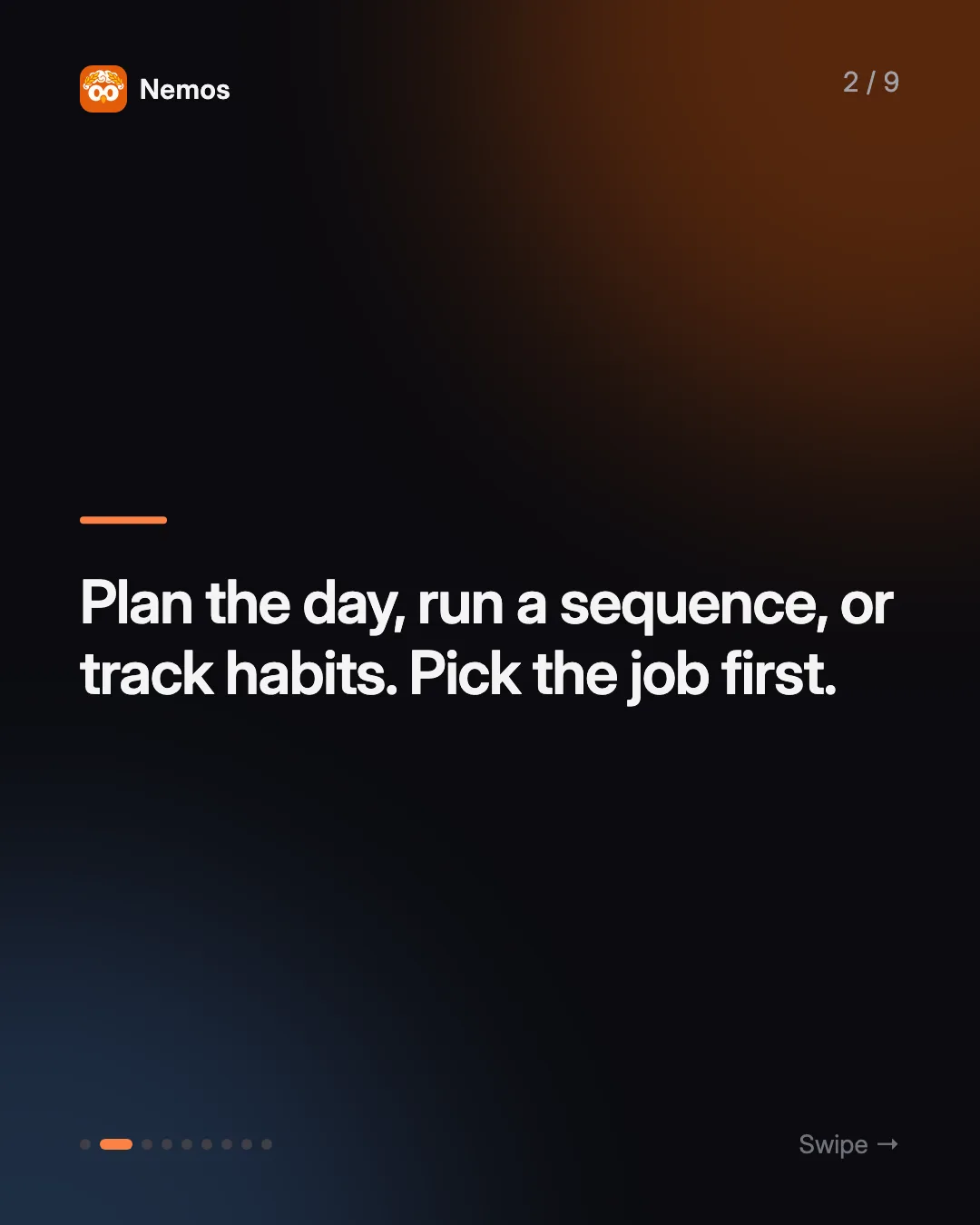
Before comparing apps, pick the job:
- Plan the day. You want to see your tasks and calendar events as blocks of time and move them around. That's a day planner.
- Run a sequence. You already know your morning routine. You want the app to tell you what's next, time each step, and keep you moving. That's a routine runner.
- Track habits. You want to know whether you meditated, read or walked today, and how many days in a row. That's a habit tracker.
Most "best routine app" lists mix all three and rank them against each other, which is how you end up with an app that's great at something you didn't need. The five below are grouped by job.
Is Structured the best routine app?
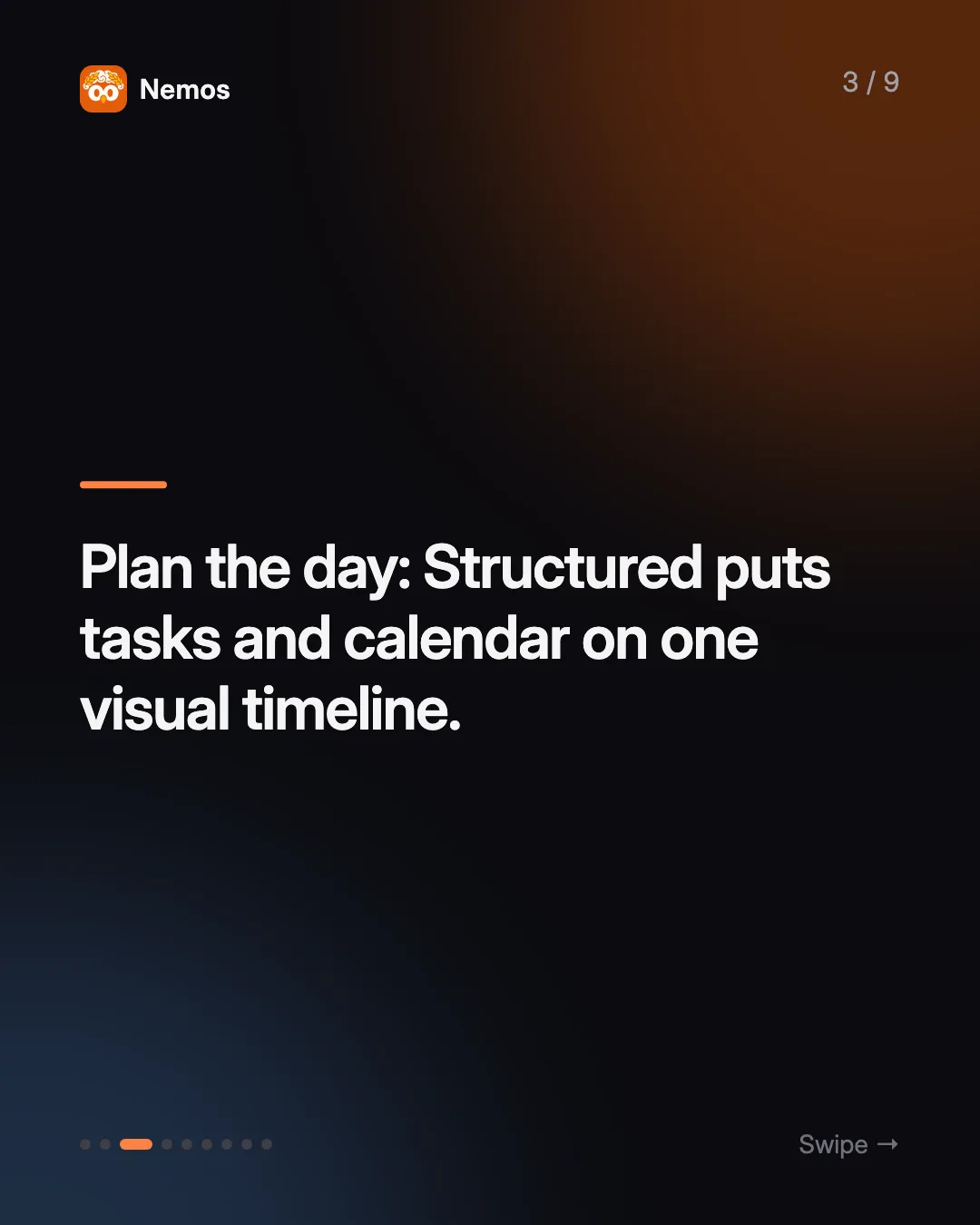
It's one of the best-known visual day planners, which likely explains why its name is climbing in routine searches. Structured's site describes splitting your day into tasks on a timeline, importing your existing calendar, and daily, weekly and monthly views, with apps for iPhone, iPad, Mac, Apple Watch and the web. Its App Store listing includes a Pomodoro focus timer, Live Activities and interactive widgets in the free version. Recurring tasks and routines are listed under Structured Pro.
Where it falls short: Structured is a planner. Your routine becomes a set of recurring blocks on the timeline, which works well for "gym 7:00 to 8:00" and less well for a ten-step morning sequence you want to be walked through.
Best for: people who want to see their whole day, including routines, as one visual timeline.
Which routine app is best for ADHD?
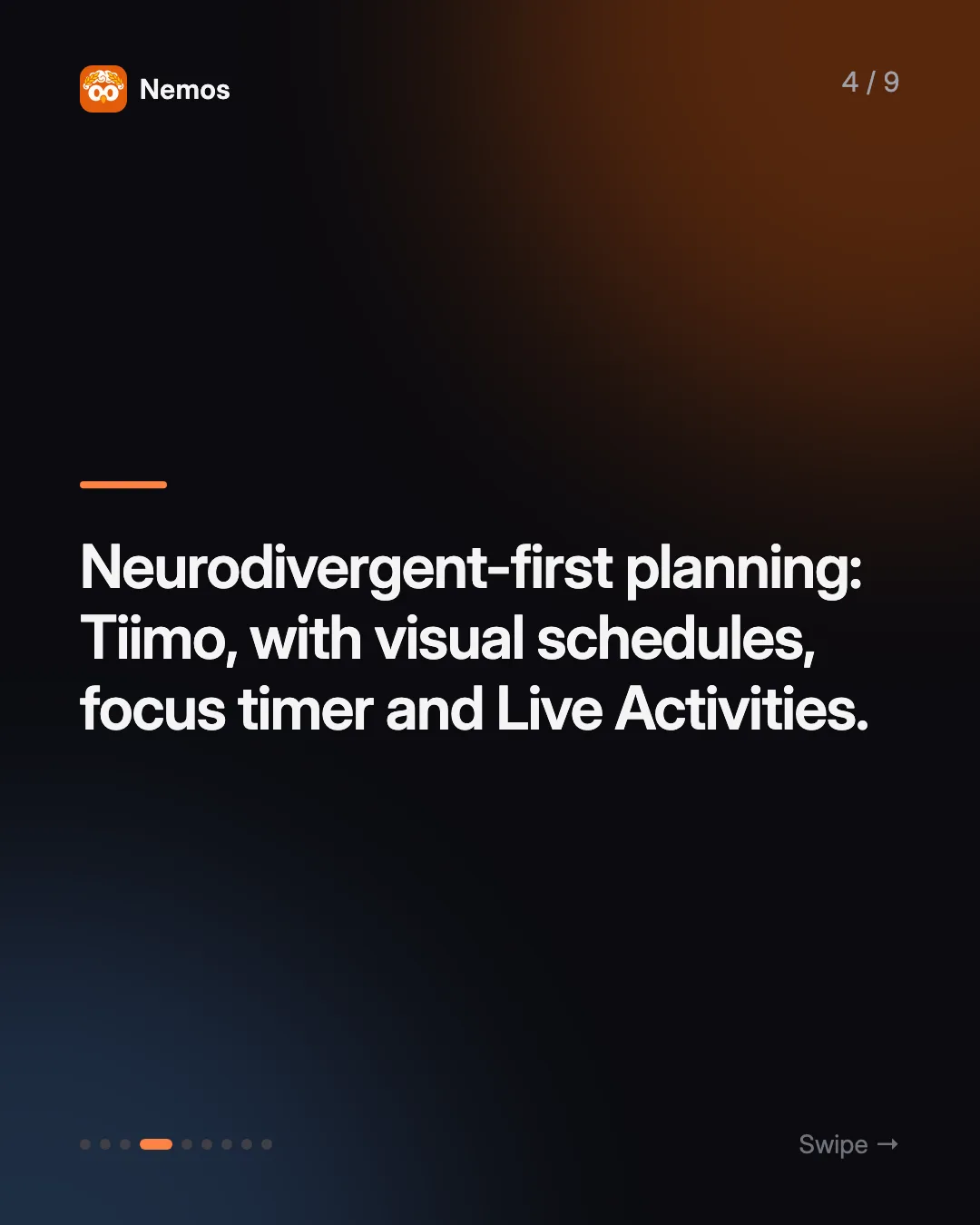
Tiimo is built for this group. The Tiimo site says the app was built by and for neurodivergent people, with color-coded visual planning, a focus timer for task transitions, AI that turns a brain dump into step-by-step plans with time estimates, mood check-ins, and widgets and Live Activities. It runs on iOS, iPadOS, watchOS, Android and the web, and Tiimo lists iPhone App of the Year 2025 among its awards.
Routinery also targets this audience. Routinery's site describes a routine timer that works across phone, tablet and watch, habit stacking with a checklist that guides you through tasks in order, and progress tracking with calendar widgets. It says it's been recognized for supporting ADHD users.
Where they fall short: Tiimo is a full planner, so it's more than you need if you only want one morning routine. Routinery is focused on the sequence, so it's not where you plan the rest of your day.
Best for: Tiimo if you want whole-day structure from a planner designed for neurodivergent users. Routinery if you want a timer that walks you through a set routine step by step.
For the capture side of ADHD (getting thoughts out of your head before they vanish), see our guide to the best note-taking app for ADHD on iPhone.
What's the simplest habit tracker for iPhone?
Streaks keeps it small. Its site says you choose or create up to 24 tasks, schedule them daily, weekly or on specific days, and it can track some goals automatically through the Health app, like steps or running distance. It has Apple Watch complications and widgets, runs on iPhone, iPad, Mac and Apple Vision Pro, and is an Apple Design Award winner.
Where it falls short: Streaks tracks whether a habit happened. It doesn't sequence a routine or time the steps.
Best for: people who want a clean daily habit grid and don't need a planner.
If you pair habits with journaling, our habit tracking journal on iPhone guide covers how to do that without a second app, and Atomic Habits notes on iPhone covers the habit-stacking idea behind apps like Routinery.
Where does Nemos fit among routine apps?
Nemos is a visual second brain for iPhone, iPad and Mac: it saves screenshots (with OCR), links, notes, voice recordings with transcription, PDFs and reminders in one searchable library. Routines are part of that library, which is the difference. Get Nemos on the App Store to try it.
What the routine side does:
- Steps with times, durations and days. Each step has an icon, color, optional time and duration, notes, and the days of the week it applies to. Steps can send their own notification.
- Run mode. Start the routine and Nemos walks you through it one step at a time, with advance, back, pause, complete and skip. A Live Activity shows the current step on the Lock Screen and Dynamic Island while it runs.
- Attach what you saved to a step. A step can point at a saved screenshot, note, link or reel. "Do this workout" opens the workout reel. "Make breakfast" opens the recipe screenshot. If you save recipes from social media, our save recipes from Instagram and TikTok guide shows the capture half.
- Habit goals. A step can have a quantity target (read 20 pages, drink 8 glasses) with a counter that completes the step when you hit it, or a weekly frequency goal (three times a week, any days) that doesn't count against your daily streak.
- Streaks that forgive. You start with two streak freezes, and each one bridges one missed day automatically. You earn another every seven days of streak, up to three. There's also a stats view for your history.
- Optional Calendar and Reminders sync. A step can be added to your iOS calendar or Apple Reminders if you want it to show up there.
Routines sync across devices through iCloud (CloudKit).
Where it falls short: Nemos is not a day planner. There's no drag-and-drop timeline of your whole day like Structured or Tiimo, and no Health-app auto tracking like Streaks. It's Apple-only, so it won't help on Android.
Best for: people whose routines depend on reference material they've saved: a workout from a reel, a skincare order from a screenshot, a stretching sequence from a PDF.
How do the best routine apps compare?
| Structured | Tiimo | Routinery | Streaks | Nemos | |
|---|---|---|---|---|---|
| Main job | Plan the day | Plan the day (neurodivergent-first) | Run a timed sequence | Track habits | Run a sequence tied to saved content |
| Visual timeline | Yes | Yes | Not listed | Not listed | No |
| Step-by-step run mode | Focus timer | Focus timer | Yes | Not listed | Yes |
| Live Activities | Yes | Yes | Not listed | Not listed | Yes |
| Habit tracking | Habit building | Mood check-ins | Progress tracking | Yes, with Health | Streaks, quantity and weekly goals |
| Android | Not listed | Yes | Not listed | Not listed | No |
"Not listed" means we couldn't confirm it on the app's own pages.
How do you choose a routine app?
Match the app to where your routine breaks:
- "I don't know what to do next today." You need a planner. Structured, or Tiimo if a busy screen overwhelms you.
- "I know my routine but I drift halfway through." You need a runner. Routinery, or Nemos if the steps depend on things you've saved.
- "I keep skipping the habit entirely." You need a tracker. Streaks, or Nemos habit goals if you want them inside a routine.
- "I keep stopping to find the video." Attach it to the step in Nemos.
Try one app for two weeks before adding another. A routine app you open every morning beats three you set up once. For the bigger idea of keeping routines next to your notes and captures, read what is a second brain.
FAQ
What is the best daily routine app for iPhone? It depends on the job. Structured is the most popular visual day planner, Routinery is built for guided timed routines, Tiimo is designed for neurodivergent users, Streaks is a simple habit tracker, and Nemos runs routines connected to your saved content.
Is Structured free? Structured has a free version with the timeline, focus timer, Live Activities and widgets. Recurring tasks and routines are listed as Structured Pro features on its App Store page.
Which routine app is best for ADHD? Tiimo and Routinery both say they're built with ADHD users in mind. Tiimo covers full-day visual planning. Routinery focuses on walking you through a routine step by step.
Can a routine app show the current step on my Lock Screen? Yes. Structured and Tiimo list Live Activities, and Nemos shows a Live Activity with the current step while you run a routine.
What happens to my streak if I miss a day in Nemos? If you have a streak freeze available, it bridges that one missed day automatically, so the streak continues. You start with two and earn more as the streak grows, up to three.
Try Nemos — build your morning routine, attach the reel you're following to the step, and run it from the Lock Screen. Get Nemos on the App Store →
Taha built Nemos after years of losing screenshots and voice memos across a dozen apps. He writes about on-device AI, personal knowledge management, and building privacy-first tools for iPhone.
@nemosapp
Stop losing things you save.
Nemos remembers every screenshot, voice memo, link, and note — and surfaces them when you need them. Free, private, on-device AI.

Free to download · No credit card · Sign in with Apple