Best Reminder App for iPhone in 2026: 5 Apps Compared
Apple Reminders, Due, Todoist, Structured or Nemos? A fair look at the best reminder apps for iPhone in 2026 and who each one is actually built for.
Disclosure: Nemos is our product. We've aimed to compare fairly. We encourage you to try alternatives before deciding.
Quick answer: The best reminder app for iPhone in 2026 depends on why you forget things. If you forget because you never wrote it down, Apple Reminders is free, built in, and fast. If you forget because you swipe away the notification, you want an app with persistent re-alerts like Due or Nemos's "Remind until done." If you forget *what the reminder was about*, you want a reminder attached to the thing itself, which is what Nemos does.
Key takeaways: - Apple Reminders in iOS 26 added Apple Intelligence suggestions, auto-sorted sections and a Lock Screen "New Reminder" control, which makes it harder to beat for basic use. - Persistent re-alerts are the main thing Apple Reminders does not do. Due is built around them. - Todoist and Structured are task and planning apps first. Their reminders are good, but you are adopting a system, not just an alarm. - Nemos treats a reminder as part of your saved library, so the screenshot or note it refers to opens with it.
What makes a reminder app good?
A reminder app has one job: make sure a future version of you does the thing. Everything else is packaging. In practice that breaks into four questions:
- Can you add a reminder in under five seconds? If capture is slow, you won't do it on the move.
- Does it fire at the right moment? Time, location, and "a bit before" all matter.
- What happens if you ignore it? A single banner is easy to swipe away. Some apps keep going.
- When it fires, do you know what to do? "Call about the thing" at 9am is useless if you can't remember the thing.
Most comparisons stop at the first two. The last two are where people give up on an app.
Is Apple Reminders good enough in 2026?
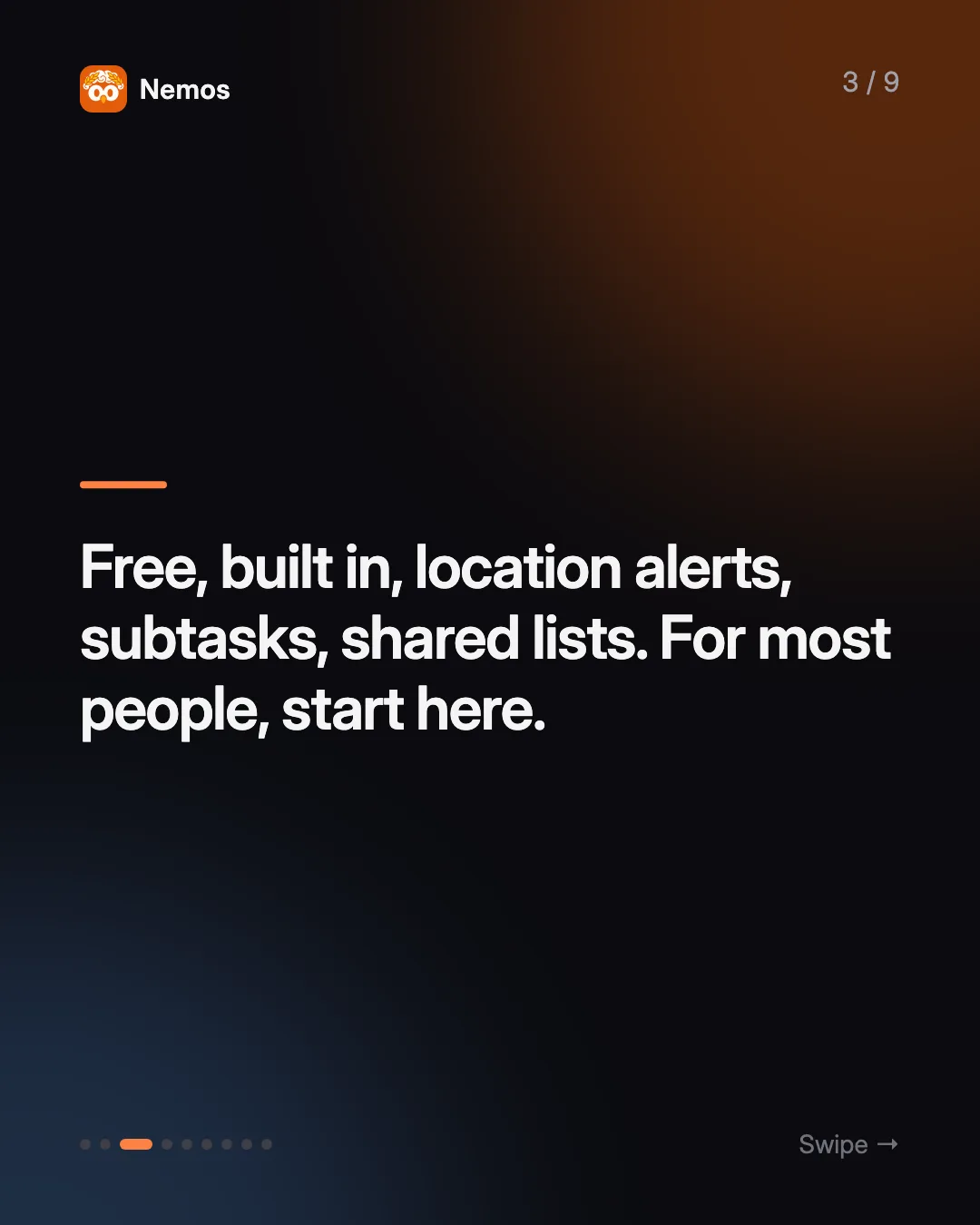
For a lot of people, yes. Apple Reminders is free, already on your iPhone, and syncs through iCloud. According to Apple's Reminders support page, you can get alerts when you arrive at or leave a location, break reminders into subtasks, share lists and assign reminders to other people, and use a dedicated grocery list. Tags and Smart Lists let you filter across lists by tag, date, location, flag and priority.
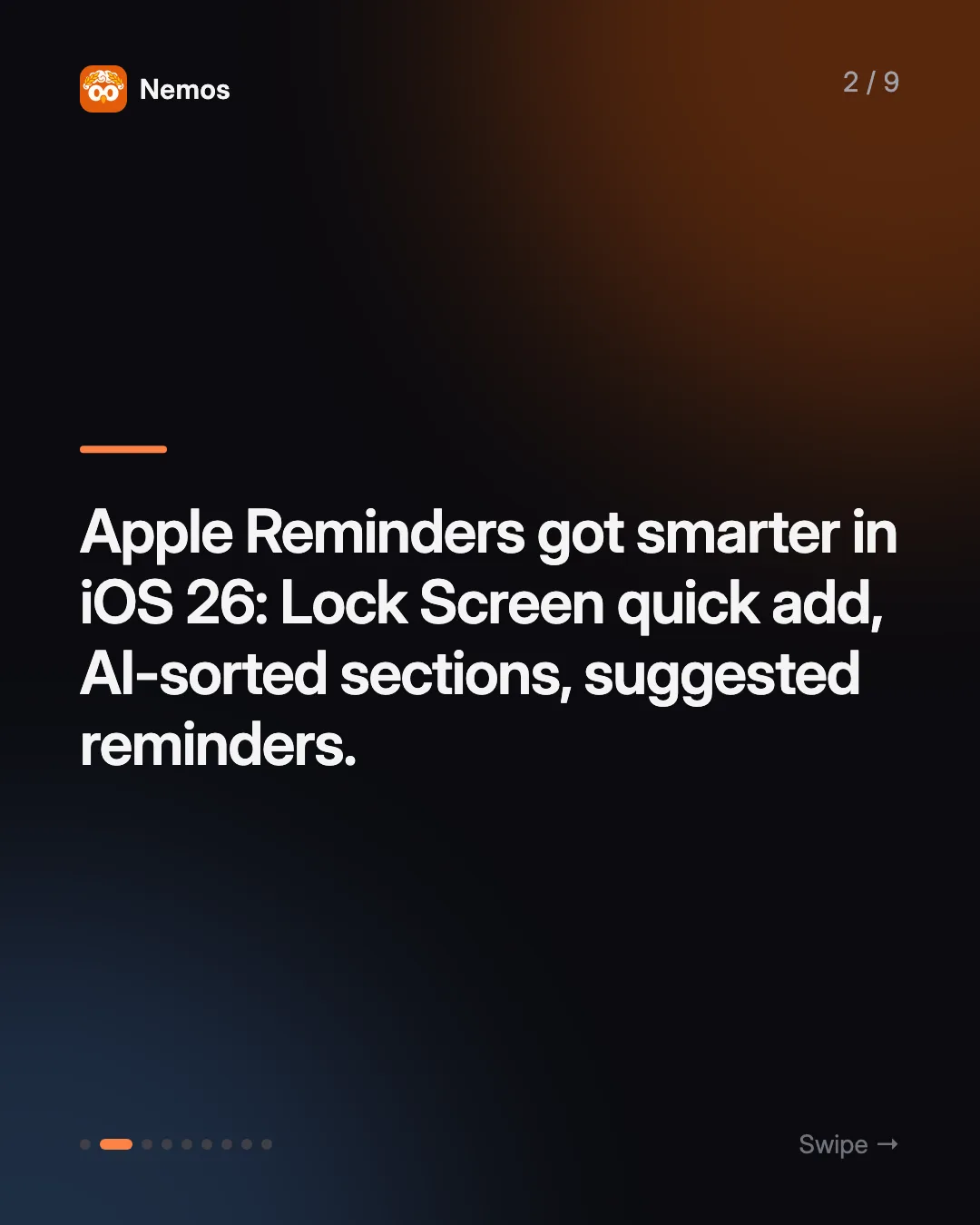
iOS 26 moved it further. 9to5Mac's rundown lists a "New Reminder" control for Control Center, the Action button and the Lock Screen, Apple Intelligence sections that auto-sort a list, suggested reminders when you share an email or web page into the app, and "call back" reminders from the Phone app's recents list. Apple documents the suggestions feature on its Apple Intelligence reminders page. That explains why "apple reminder app" is the fastest-rising search in this category.
Where it falls short: a reminder fires once and then waits. If you dismiss the banner, it sits in the list until you look. And a reminder lives in its own list. It doesn't live next to the rest of your notes and captures.
Best for: anyone who wants reliable, free reminders and already lives in Apple's apps.
Which reminder app keeps nagging until you do it?
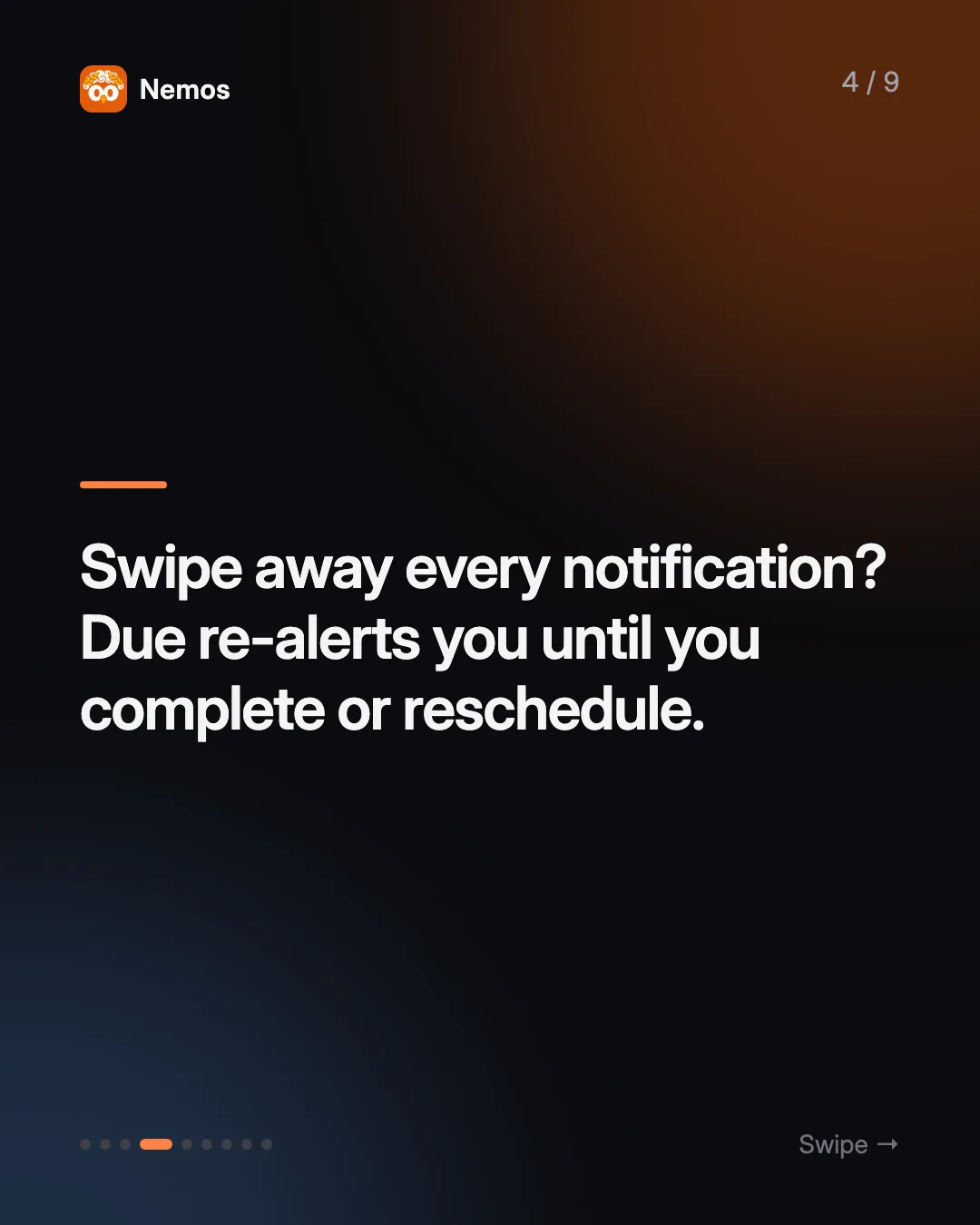
Due is built for exactly this. Its website describes auto snooze that "repeatedly notifies you of overdue reminders until you mark them complete, reschedule them, or turn off their auto snooze." You can complete or push a reminder from the notification itself, there are one-tap preset times, and it syncs across iPhone, iPad, Apple Watch and Mac through iCloud or Dropbox. It also has countdown timers you can save and reuse. Due notes that the Mac version is a separate purchase.
Where it falls short: Due is deliberately narrow. It's for things with a due time, not for projects, notes or anything you need to look at when the reminder fires.
Best for: people who swipe away notifications on reflex and need an app that doesn't take the hint.
Is Todoist a reminder app or a to-do app?
A to-do app, with reminders built in. Todoist's features page leads with natural-language Quick Add (type the date the way you would say it) and recurring due dates, plus 80+ integrations and apps on more than ten platforms, including Android and the web. Reminders depend on plan: Todoist's help center says basic automatic reminders are free, while custom manual reminders and location reminders are part of Pro and Business.
Where it falls short: if you only want reminders, Todoist asks you to adopt projects, sections and priorities too. And the location and custom reminders many people are looking for sit behind the paid plan.
Best for: people whose reminders are really tasks, especially if they need Android or a browser alongside the iPhone.
What if you plan your day in time blocks?
Structured is a day planner that turns tasks and calendar events into one visual timeline. Its App Store listing includes a Pomodoro focus timer, Live Activities and interactive widgets in the free version, with sync across iPhone, iPad, Apple Watch and Mac. Recurring tasks and routines are listed under Structured Pro.
Where it falls short: Structured thinks in blocks of time. A loose reminder like "renew passport sometime this month" doesn't fit a timeline as naturally.
Best for: visual planners who want reminders to show up as part of the shape of their day.
Where does Nemos fit?
Nemos is a visual second brain for iPhone, iPad and Mac. It captures screenshots (with OCR so the text is searchable), links, notes, voice recordings with transcription, and PDFs. Reminders sit inside that library instead of next to it. Download Nemos on the App Store if you want to try it alongside whatever you use now.
What that means in practice:
- A reminder can point at what you saved. Attach it to a screenshot of a boarding pass, a note, or a saved link, and that item is right there when the reminder fires. You can also add an image directly.
- Remind until done. It's opt-in per reminder. Once it's overdue and not completed or snoozed, Nemos sends a follow-up alert on a repeating interval (every 30 minutes by default) until you complete, snooze, or delete it.
- Alarm mode. A reminder can fire as a time-sensitive alert that opens a full-screen Snooze / Complete view when you tap it.
- Snooze that sticks. A snoozed reminder shows its new time everywhere, not the original one.
- Lock Screen presence. Lock Screen widgets and Live Activities keep upcoming reminders visible without opening the app.
- The usual controls. Daily, weekly, monthly, yearly or custom-day repeats, "every other" intervals, end dates, alerts 15 minutes, an hour or a day ahead, priorities, tags, subtasks, and location reminders on arriving or leaving.
- Apple Reminders and Calendar sync are optional. You can send a Nemos reminder to Apple Reminders or your calendar if you want it there too.
Everything syncs through iCloud (CloudKit) across your devices.
Where it falls short: Nemos is not a project manager. There are no shared team projects or Kanban boards, and it's iOS, iPadOS and Mac only, so it's not an option if you also need Android. If all you want is a list of timed alerts, Apple Reminders or Due is lighter.
Best for: people whose reminders are about something they already saved: "reply to this email" with the screenshot, "book this restaurant" with the link, "follow up on what she said" with the voice memo.
How do the best reminder apps compare?
| Apple Reminders | Due | Todoist | Structured | Nemos | |
|---|---|---|---|---|---|
| Built around | Lists | Persistent alerts | Tasks & projects | Daily timeline | Saved library |
| Keeps nagging when ignored | No | Yes (auto snooze) | No | No | Yes (opt-in) |
| Location reminders | Yes | Not listed | Pro/Business | Not listed | Yes |
| Reminder linked to saved content | Not listed | No | Not listed | No | Screenshot, note, voice, link |
| Platforms | Apple devices | Apple devices | 10+ incl. Android, web | Apple devices, web | iPhone, iPad, Mac |
"Not listed" means we couldn't confirm it on the app's own pages, not that it's impossible.
Which reminder app should you choose?
Start with the reason you forget things:
- "I never wrote it down." Use Apple Reminders. The iOS 26 Lock Screen control makes capture fast, and it costs nothing.
- "I saw the notification and ignored it." Use Due, or turn on Remind until done in Nemos for the reminders that matter.
- "My reminders are really a to-do list." Use Todoist.
- "I plan my day hour by hour." Use Structured.
- "I remember the reminder but not what it was about." Use Nemos and attach the reminder to the thing.
You don't have to pick one forever. Plenty of people keep Apple Reminders for groceries and use a second app for the reminders that keep slipping. If memory and attention are the core problem, our guide to the best note-taking app for ADHD on iPhone covers the capture side, and what is a second brain explains why reminders work better next to your notes.
FAQ
What is the best free reminder app for iPhone? Apple Reminders. It's built in, syncs through iCloud, and supports location alerts, subtasks, tags and shared lists at no cost. Todoist also has a free plan, but custom and location reminders need Pro.
Is there a reminder app that keeps reminding you until you do it? Yes. Due's auto snooze re-alerts you until you complete or reschedule a reminder. Nemos has an opt-in "Remind until done" setting per reminder that repeats every 30 minutes by default.
Can I use Nemos and Apple Reminders together? Yes. Nemos can optionally sync a reminder to Apple Reminders or to your calendar, so it shows up in both places.
Do reminder apps work on the iPhone Lock Screen? Apple Reminders has a Lock Screen "New Reminder" control in iOS 26. Structured and Nemos both use Live Activities and widgets to keep what's next on the Lock Screen.
What should I use for screenshot-based reminders? If you screenshot things so you'll deal with them later, a reminder attached to the screenshot saves you hunting through Photos. See how to organize screenshots on iPhone for the rest of that workflow.
Try Nemos — save the screenshot, set the reminder on it, and let it nag you until it's done. Get Nemos on the App Store →
Taha built Nemos after years of losing screenshots and voice memos across a dozen apps. He writes about on-device AI, personal knowledge management, and building privacy-first tools for iPhone.
@nemosapp
Stop losing things you save.
Nemos remembers every screenshot, voice memo, link, and note — and surfaces them when you need them. Free, private, on-device AI.

Free to download · No credit card · Sign in with Apple