Claude Memory vs a Second Brain: What Each One Remembers
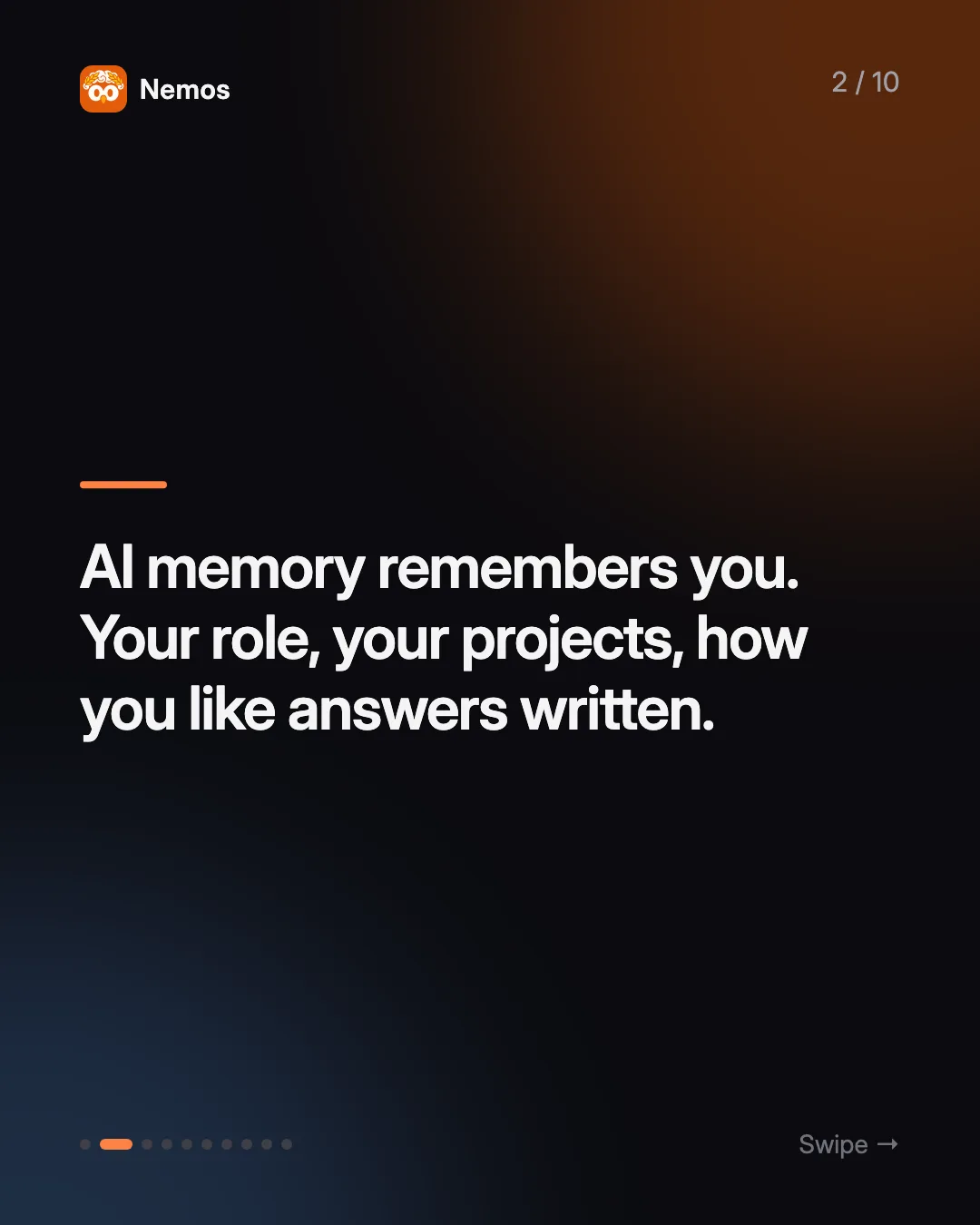
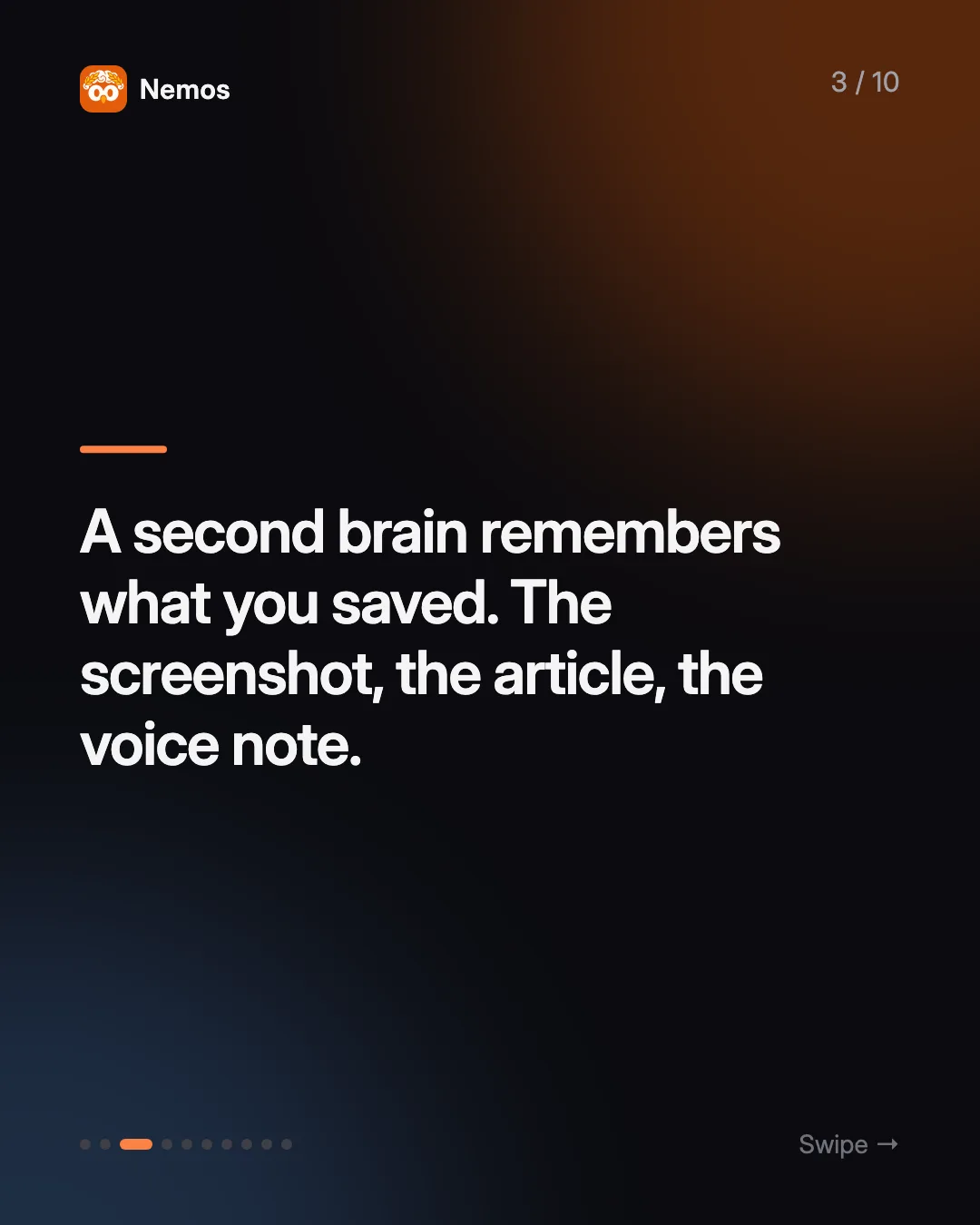
Claude and ChatGPT memory remember you. A second brain remembers what you saved. How AI memory works, where it stops, and when you need both.
Quick answer: AI chat memory is a short, curated profile the assistant builds from your conversations. A second brain is a library of the actual things you captured, with their full text. Claude memory helps Claude answer in a way that fits you. A second brain helps Claude answer with your material. They solve different problems, and connecting them through MCP lets one assistant use both.
Key takeaways: - Claude memory focuses on your role, projects, people, and preferences, and can be viewed and edited in settings. - ChatGPT has two kinds: saved memories and reference chat history, which behave differently when you delete things. - Neither is a filing system. They summarize conversations; they do not keep your screenshots, PDFs, or recordings. - A second brain keeps the source material. Tools like the Nemos MCP server let Claude read it on demand.
What is Claude memory?
Claude memory lets Claude carry context from one conversation into the next so you do not have to re-introduce yourself. According to Anthropic's help center, it captures things like your role, your projects and professional context, the people and places in your work and life, and your communication and working style.
A few details matter in practice:
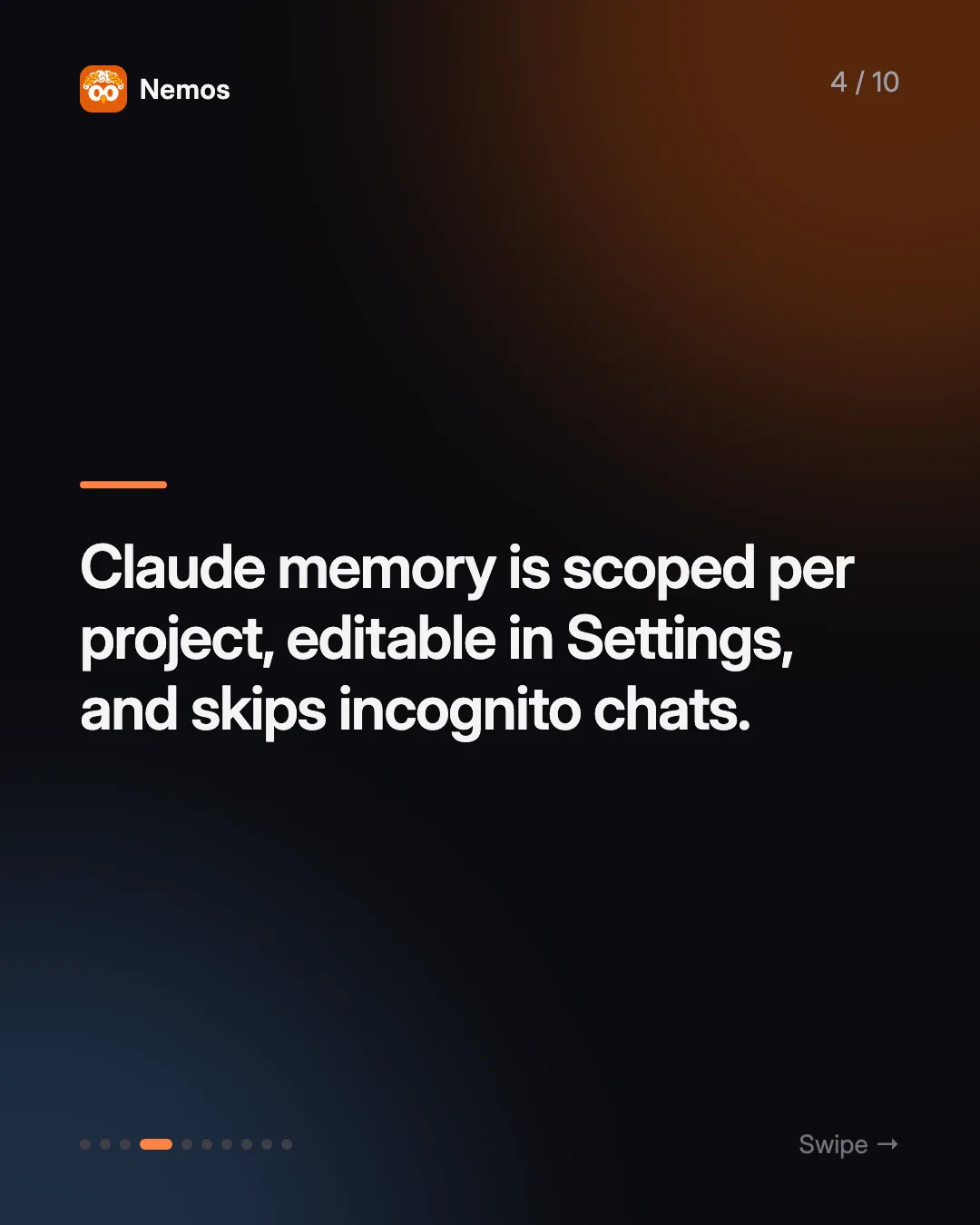
- It is scoped. Each Claude Project has its own memory, separate from your chats outside projects.
- You can see and change it. Memory topics can be viewed, edited, or deleted in Settings, and memory can be paused or reset.
- Incognito chats are not remembered. Use them when you do not want a conversation to shape future answers.
- It is cautious by default about sensitive areas such as health or political topics, unless you opt in.
Claude also has chat search, which lets it look back through earlier conversations when you ask it to. What neither feature does is keep the things you saved outside the chat. That is the job of a second brain app such as Nemos.
What is "Claude memory import"?
In March 2026 Anthropic added a way to bring memories over from other assistants. As MacRumors reported, you paste a prepared prompt into the old chatbot, it lists what it has stored about you, and you paste that output into Claude's memory settings. The help center describes the same thing as transferring memory between Claude and other AI services.
This is why "claude memory import" is a rising search. It is also a useful clue about what memory is: a list short enough to copy and paste. That is a profile, not a library.
How does ChatGPT memory work?
OpenAI's Memory FAQ describes two parts:
- Saved memories are details you ask ChatGPT to remember, or that it saves as useful context. They are stored separately from your chats.
- Reference chat history lets ChatGPT draw on past conversations to personalize answers. What it takes from them can change over time.
The two behave differently when you clean up. Deleting a chat does not delete a saved memory that came from it; you delete both. And if you turn reference chat history off, OpenAI says what it remembered from past chats is scheduled for deletion within 30 days.
What about agent memory in Claude Code?
"Agent memory" is the other rising term, and it mostly means coding agents. Claude Code's documentation explains that each session starts with a fresh context window, and two things carry knowledge across sessions: CLAUDE.md files that you write, and auto memory that Claude writes from your corrections. Auto memory lives in a `MEMORY.md` index plus topic files, and only the first 200 lines or 25KB of that index is loaded at the start of a session.
That limit is the point. Agent memory is designed to be small, so it can load every time. It holds rules and lessons, not your reading list. If you want to see how people pair it with a full notes vault, read our guide to using Claude Code as a second brain.
How is AI memory different from a second brain?
| AI chat memory | Second brain | |
|---|---|---|
| What it holds | Facts about you and your preferences | The things you saved: screenshots, links, notes, recordings, PDFs |
| Who writes it | Mostly the AI, from conversations | You, when you capture |
| Size | Deliberately small | Grows with everything you keep |
| Original material | Summarized, not kept | Kept, with extracted text |
| Where it lives | Inside one AI product | In your own app and storage |
| Best question it answers | "How should I answer this person?" | "What did I save about this?" |
A second brain is a system for capturing and finding what you want to remember. The key difference is the source material. When you ask Claude "what did that article say about pricing?", Claude memory might know you care about pricing. It will not have the article.
What are the limits of relying on AI memory alone?
It only knows what passed through the chat. If you saved a screenshot in Photos and never showed it to Claude, memory has nothing on it.
It summarizes. Memory keeps a distilled version of what it judged useful. You cannot open it later and get the original quote, chart, or recording.
It is tied to one assistant. Import tools help you move a profile between chatbots, but your saved research should not depend on which AI you use this year.
It changes without asking. Reference chat history, by OpenAI's own description, can shift as ChatGPT updates what it thinks is useful. Good for personalization, less good as a record.
None of this is a flaw. Memory is doing the job it was built for. It is just a different job.
When do you need both?
Most people who use AI daily end up wanting both layers:
- Memory so the assistant knows your role, your projects, and your style without being told.
- A second brain so the assistant can quote, compare, and summarize your actual material.
The link between them is MCP, the Model Context Protocol, which lets an assistant call outside tools. If you are new to it, see what an MCP server is.
Nemos is a second brain app for iPhone, iPad, and Mac. It captures screenshots, links, notes, voice recordings, and PDFs, runs OCR on screenshots, and transcribes recordings, so your saves are searchable text. Download Nemos on the App Store.
The Nemos MCP server lets Claude, ChatGPT, Cursor, or any MCP client search and read that library with tools like `search_nemos`, `get_item`, `get_recent_items`, and `extract_ocr_from_image`. It connects to your own private CloudKit database with a one-time Apple sign-in, and it does not send your library through Nemos servers. So Claude memory knows you are planning a product launch, and the Nemos library hands it the twelve screenshots you saved about competitor launches. For a step-by-step setup, see how to connect iPhone notes to ChatGPT and Claude.
FAQ
Does Claude remember everything I tell it? No. Claude memory keeps a focused set of context such as your role, projects, people, and preferences. You can view and edit it in Settings, and incognito chats are not remembered.
Can I import my ChatGPT memory into Claude? Yes. Anthropic added a memory import in March 2026: you run a provided prompt in ChatGPT and paste the result into Claude's memory settings.
Does ChatGPT memory store my files or screenshots? ChatGPT memory stores saved memories and insights from chat history. It is not a place to file and later retrieve your original documents.
If I delete a ChatGPT chat, is the memory gone? Not necessarily. OpenAI says deleting a chat does not delete a saved memory created from it. Delete the saved memory too.
Is a second brain the same as AI memory? No. AI memory remembers you. A second brain remembers what you saved, with the full content, independent of any one assistant.
How do I give Claude access to my saved screenshots and notes? Save them in Nemos, then add the Nemos MCP server to Claude Desktop or Claude Code. Get Nemos on the App Store to start your library.
Taha built Nemos after years of losing screenshots and voice memos across a dozen apps. He writes about on-device AI, personal knowledge management, and building privacy-first tools for iPhone.
@nemosapp
Stop losing things you save.
Nemos remembers every screenshot, voice memo, link, and note — and surfaces them when you need them. Free, private, on-device AI.

Free to download · No credit card · Sign in with Apple