How to Save Instagram Reels and Actually Find Them Later
Save Instagram Reels the right way, download them only when the creator allows it, and set things up so you can find that workout or travel tip weeks later.
Quick answer: To save an Instagram Reel, tap the bookmark icon under it. It goes to your private Saved section (Profile → menu → Saved). Tap and hold the icon instead to put it in a collection. To download a public reel, tap Share and choose the download option, if the creator allows it. To find it again later, also send it to an app that keeps the caption and text searchable, such as Nemos.
Key takeaways: - Saved reels are private. Only you can see them, unless you put them in a collaborative collection. - Instagram's download option respects the creator's setting and adds a watermark. Third-party downloader sites go around that choice. - Saves fail at retrieval, not storage. A thumbnail grid is hard to search by what the reel was about. - One screenshot of the key moment (the exercise list, the place name, the product) makes a reel findable by text.
How do you save an Instagram Reel?
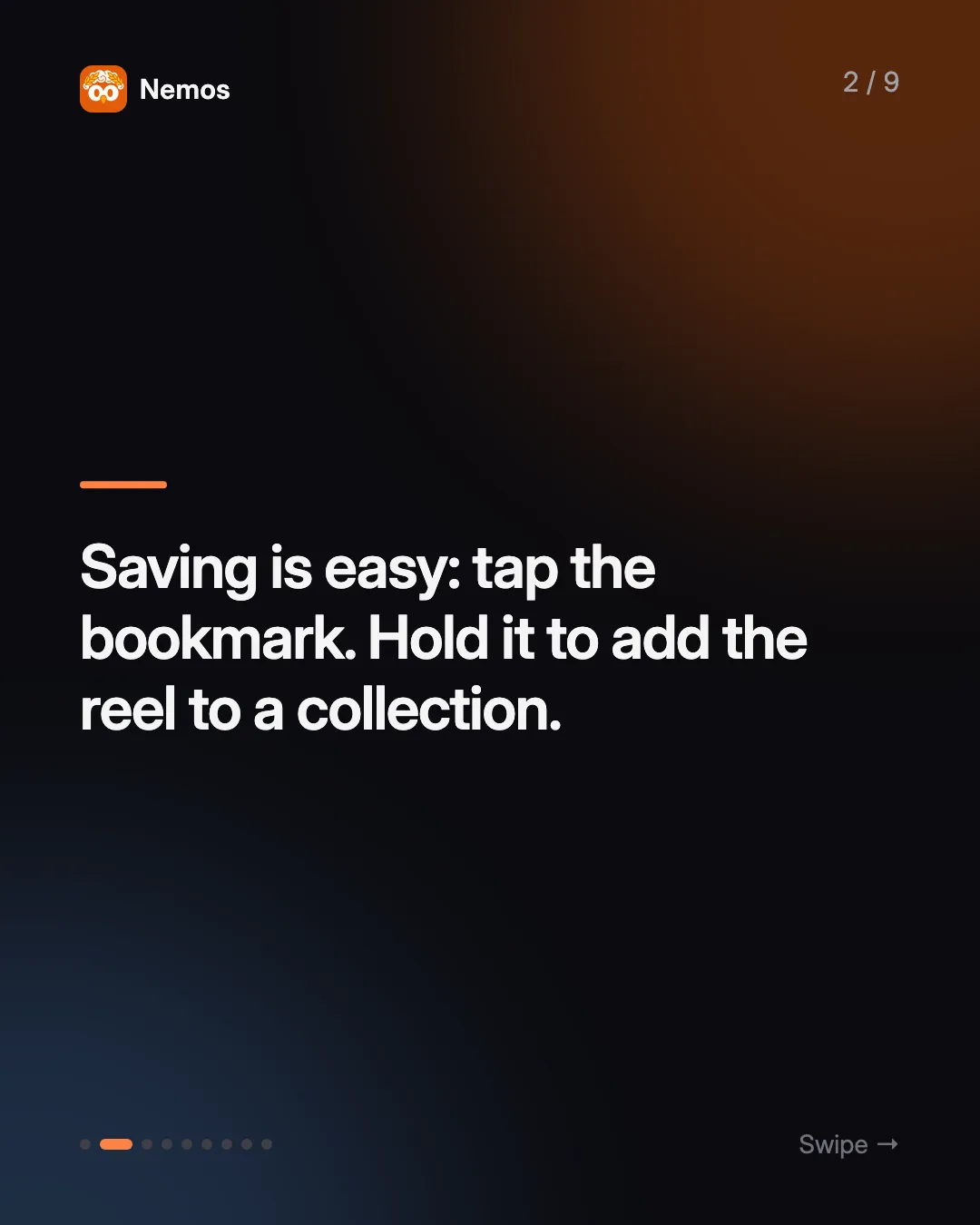
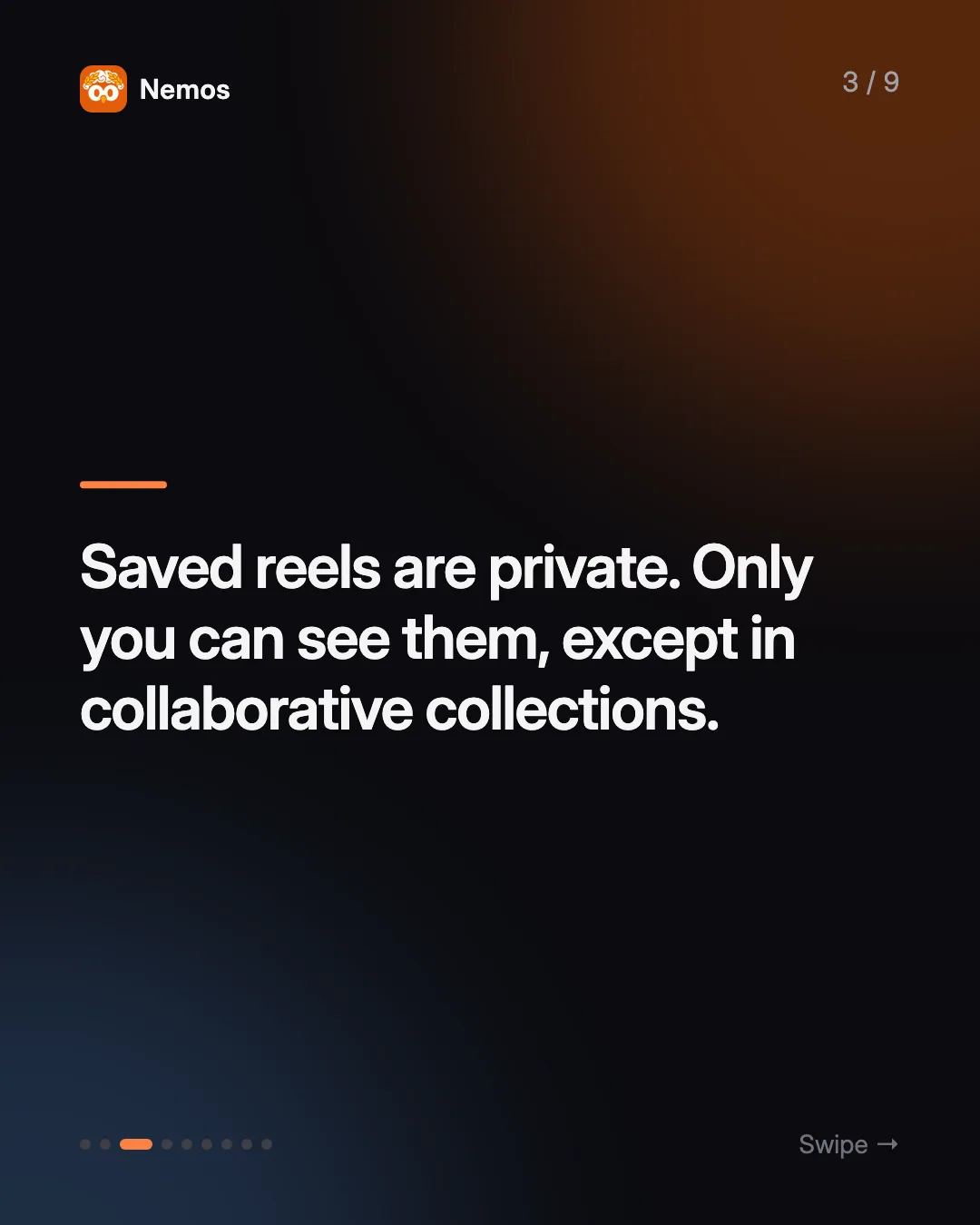
Instagram's save is a private bookmark. Per the Instagram Help Center, you save a post by tapping the bookmark icon, and you see your saves by going to your profile, opening the menu and tapping Saved. Only you can see what you've saved.
To file a reel as you save it:
- Tap and hold the bookmark icon under the reel.
- Pick an existing collection, or create a new one ("Workouts", "Lisbon trip", "Gift ideas").
- Later, open Saved to browse collections.
You can rename collections, remove posts and delete collections afterward, as described in Instagram's guide to managing collections. There are also collaborative collections that other people can view and add to, which works well for a shared trip or a group gift.
Can you download Instagram Reels to your iPhone?
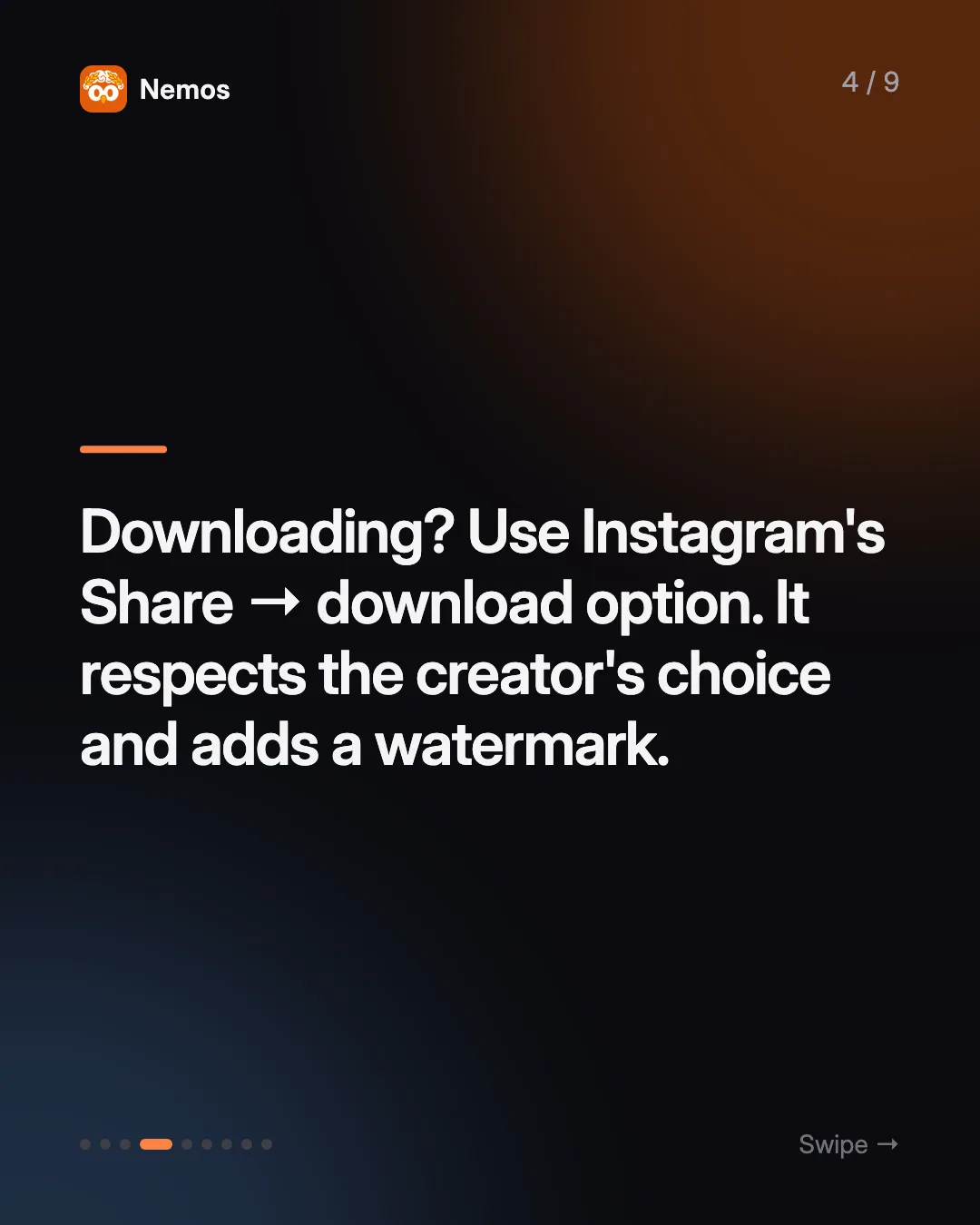
Sometimes, and there's a right way to do it. Instagram rolled out a download option for public reels worldwide in November 2023, as TechCrunch reported. Tap the Share icon on a reel and choose the download option. The details that matter:
- Only public reels, and only if the creator allows it. Creators can turn downloading off in their privacy settings. If you don't see the option, they've chosen not to allow it.
- The file gets a watermark with the creator's account name.
- Licensed music is stripped. If a reel uses licensed audio, the download has no sound. Reels with original audio keep it.
You'll find plenty of third-party "Instagram reel downloader" sites. We'd skip them. They get around a choice the creator made about their own work, and you're pasting links into a site you know nothing about. If a creator has turned downloads off, save the reel in Instagram and credit them if you share it.
For most people, downloading isn't the goal anyway. You don't need the MP4. You need to find "that stretching routine" again three weeks from now.
Why can't you find saved reels later?
Because a save stores the video and nothing about why you saved it. Open your Saved section after a few months and you get a wall of thumbnails, mostly faces and blurry frames. Instagram's Help Center explains saving and collections, but it doesn't describe a way to search inside what you've saved, so collections are the main tool for finding things, and you have to sort each reel into one at the moment you save it.
That works for the first twenty saves. Then a few things happen:
- You stop filing. Tap-and-hold is one extra step, and most saves happen mid-scroll.
- Collections blur. Is the protein-oats reel in "Recipes", "Breakfast" or "Fitness"?
- The useful part is spoken or on screen. The exercise names, the restaurant, the product link. None of that is in the thumbnail.
- Everything lives in one app. Your travel reels aren't next to your travel notes, bookings or screenshots.
This is the same failure as camera-roll screenshots, which we cover in how to organize screenshots on iPhone. Capture is easy and retrieval is the hard part.
How do you save reels so you can find them later?
Keep the words with the video. Here's a setup that works for any kind of reel: workouts, travel tips, product finds, how-tos, recipes.
1. Save it in Instagram anyway
Tap the bookmark. It's free, it's private, and it keeps the reel one tap away inside the app. Use two or three broad collections at most. Don't try to be precise.
2. Send the link somewhere searchable
From the reel, tap Share and either copy the link or send it straight to a notes or bookmarking app through the iOS share sheet. The point is to get the reel into a place where you can search by text, next to your other saved stuff. Apple Notes, a bookmark manager (see our best bookmark manager roundup) or a second-brain app all work.
3. Screenshot the moment that matters
Most reels have one frame worth keeping: the list of exercises, the name of the café, the product on screen, the final step. Screenshot it. An app with OCR will index the text in it, so a search for "hip thrust" or "Alfama" finds it.
4. Add one line on why you saved it
"Try this on leg day." "For the Porto trip in May." "Birthday gift for Sam." Future you will search for the reason, not the creator's handle.
5. Connect it to when you'll use it
A reel you'll use on a specific day should be attached to that day. Put it on a reminder ("book this place Saturday") or a routine step ("do this workout Monday").
How does Nemos handle saved reels?
Nemos is a visual second brain for iPhone, iPad and Mac, built for this workflow. Get Nemos on the App Store and add it to your share sheet.
- Share a reel to Nemos. From Instagram, share the reel to Nemos. It saves the link with a preview.
- The caption becomes searchable. When Instagram exposes the caption, Nemos reads it, turns the creator's own hashtags into tags, and adds a short AI summary and topic tags so the reel lands next to related saves. Instagram sometimes hides captions from apps, so in that case you get the link and preview, and a screenshot fills the gap.
- Screenshots get OCR. Screenshot the key frame and Nemos makes the text in it searchable, so "kettlebell swing" finds the reel's screenshot even if the caption never mentioned it.
- Reminders and routines can point at it. Attach a reminder to the saved reel ("try this recipe Friday"), or attach it to a routine step so it opens when you reach that step.
- It sits with everything else. The travel reel lives next to your booking screenshot, the PDF itinerary and the voice note from a friend's recommendation, synced through iCloud across your devices.
For food specifically, we have a dedicated guide: how to save recipes from Instagram and TikTok.
Where Nemos isn't the answer: it doesn't replace Instagram's Saved for casual bookmarking, and it's not a video downloader. If you just want to rewatch a reel next week, the bookmark icon is enough.
What should you do with reels you've already saved?
Don't try to re-file hundreds of old saves. Instead:
- Open Saved and scroll for five minutes.
- For each reel you'd actually use, share it to your searchable app and add one line on why.
- Unsave the rest, or leave them. They weren't costing you anything.
- From now on, save to both places when a reel is something you plan to act on.
The goal isn't a perfect archive. It's that the five reels you'll really use are findable by a word you'll remember. That's the core of a second brain: capture fast, keep the context, find it by meaning.
FAQ
Can other people see the reels I save on Instagram? No. Saved posts are private and only visible to you. The exception is a collaborative collection, which the people you add can see and add to.
How do I download an Instagram Reel on iPhone? Tap the Share icon on a public reel and choose the download option. It only appears if the creator allows downloads. The file carries a watermark, and reels with licensed music download without sound.
Is it legal to download Instagram Reels? Using Instagram's built-in download option is the approved route. Re-posting someone else's reel is a separate question about the creator's rights, so ask permission and credit them. This isn't legal advice.
How do I find a reel I saved a long time ago? Open Profile → Saved and browse by collection. If you also saved the link, caption or a screenshot to a searchable app, search there by what the reel was about.
Try Nemos — share the reel, screenshot the moment that matters, and find it by what it was about. Get Nemos on the App Store →
Taha built Nemos after years of losing screenshots and voice memos across a dozen apps. He writes about on-device AI, personal knowledge management, and building privacy-first tools for iPhone.
@nemosapp
Stop losing things you save.
Nemos remembers every screenshot, voice memo, link, and note — and surfaces them when you need them. Free, private, on-device AI.

Free to download · No credit card · Sign in with Apple